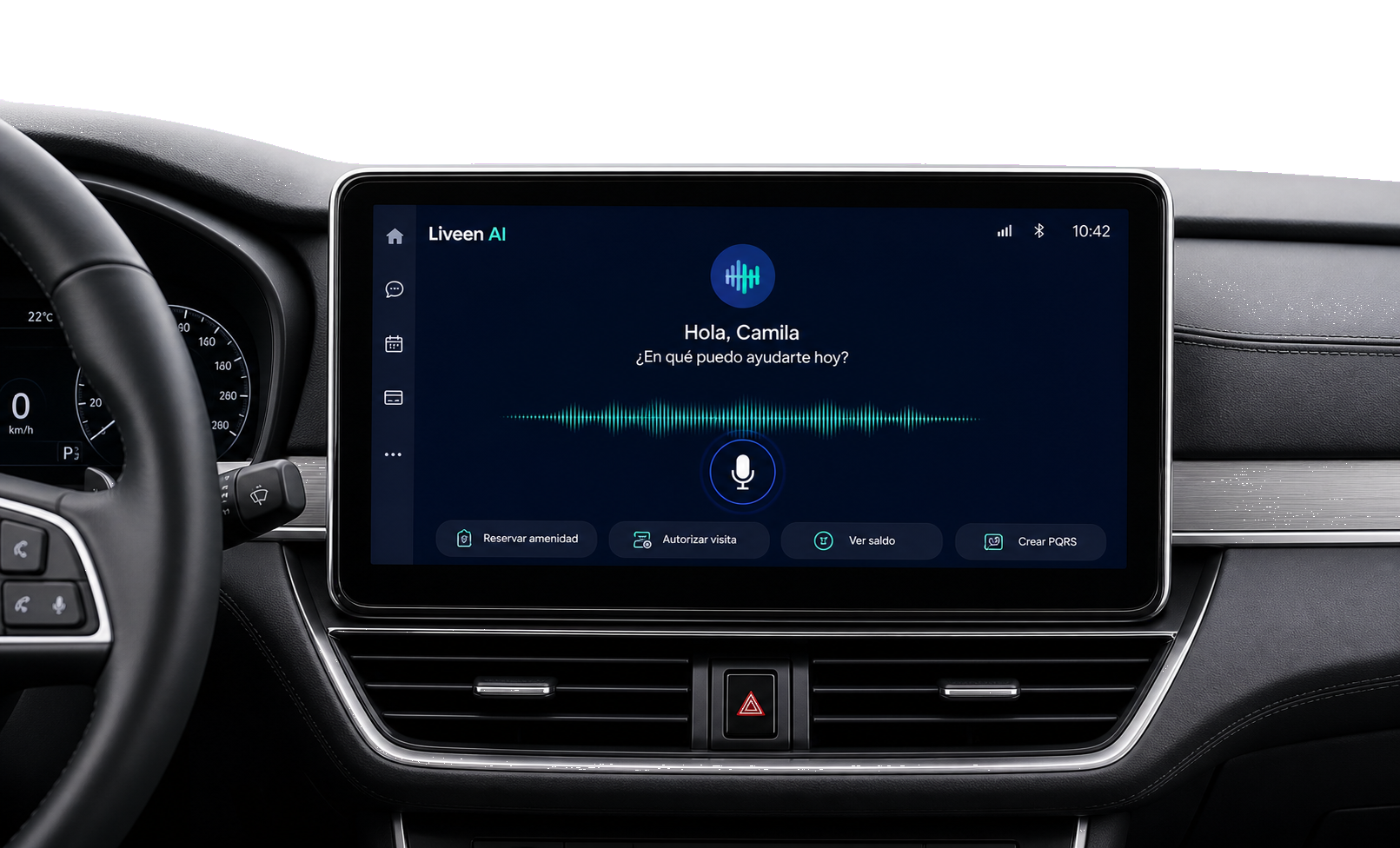
Voice and text
Speak or type however you prefer—Liveen AI understands you.
Speak or type to handle purchases, payments, reservations, requests, visits, and services from one assistant.
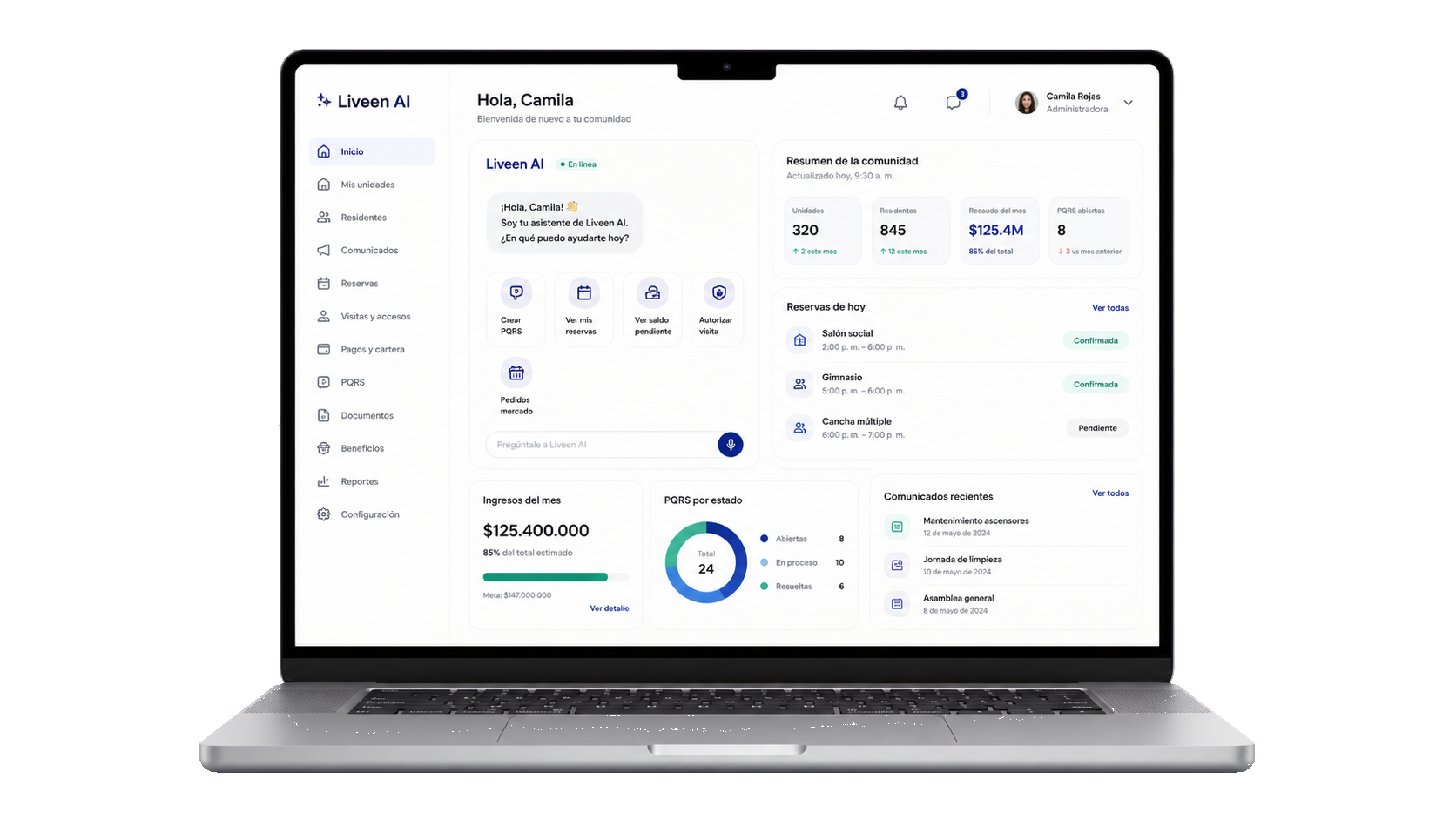
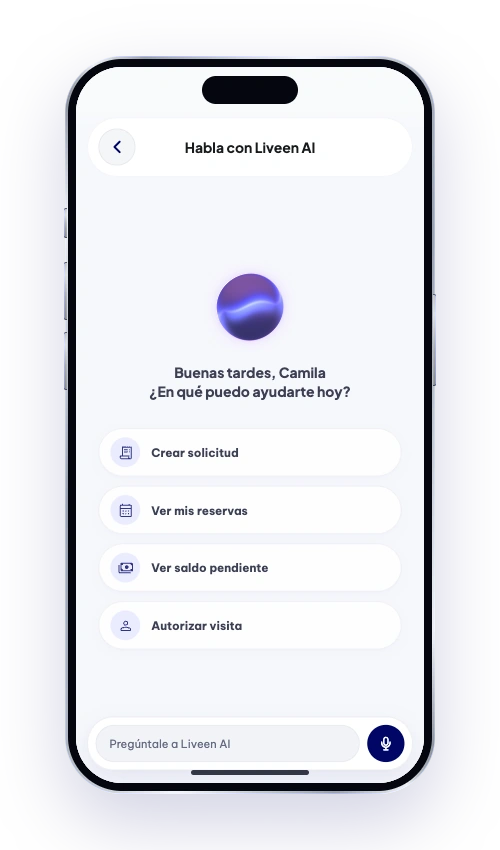
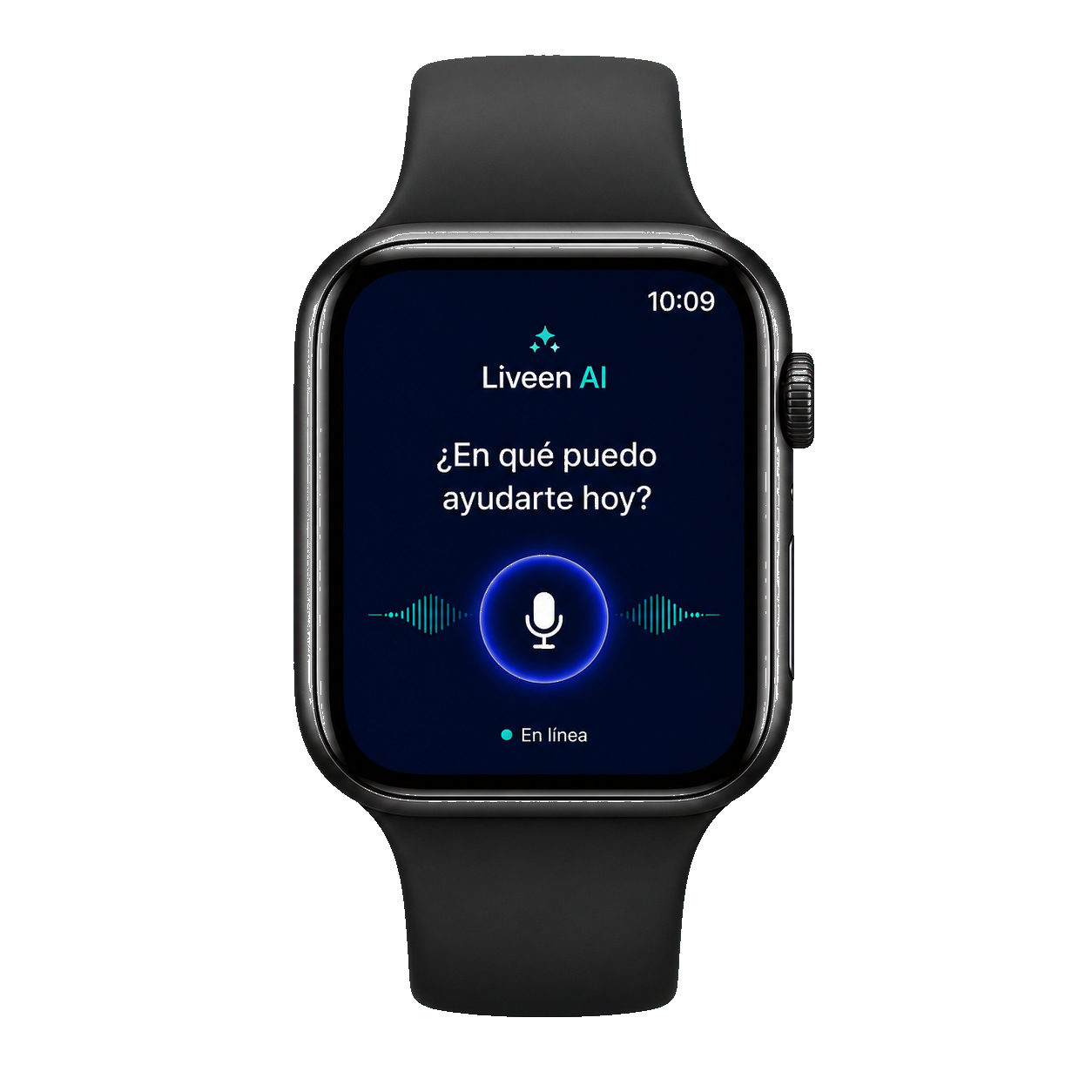
Liveen AI is with you at every moment so you can manage, check, and resolve what you need simply and quickly.
A more connected community starts here
Speak or type however you prefer—Liveen AI understands you.
Get fast, clear, and relevant information and solutions.
Make reservations, payments, requests, and authorizations from the conversation.
Always available to help whenever you need it.
Make inquiries, complete tasks, and get instant answers, all in one place.
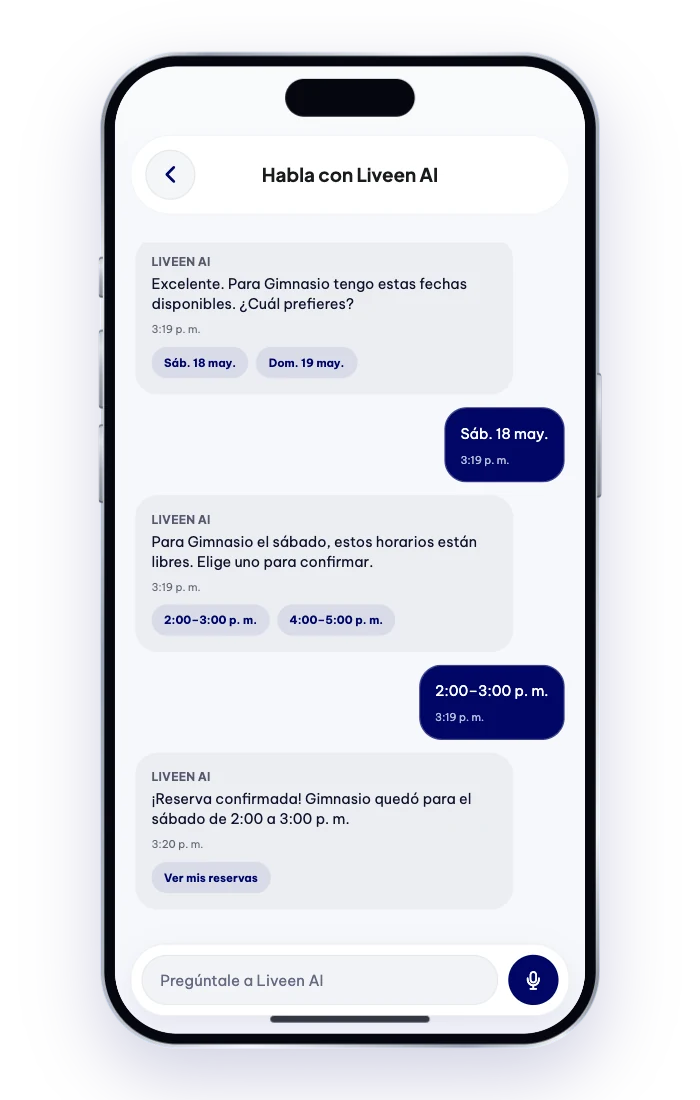
From a request to a solution in three simple steps.
Tell Liveen AI what you need using natural language.
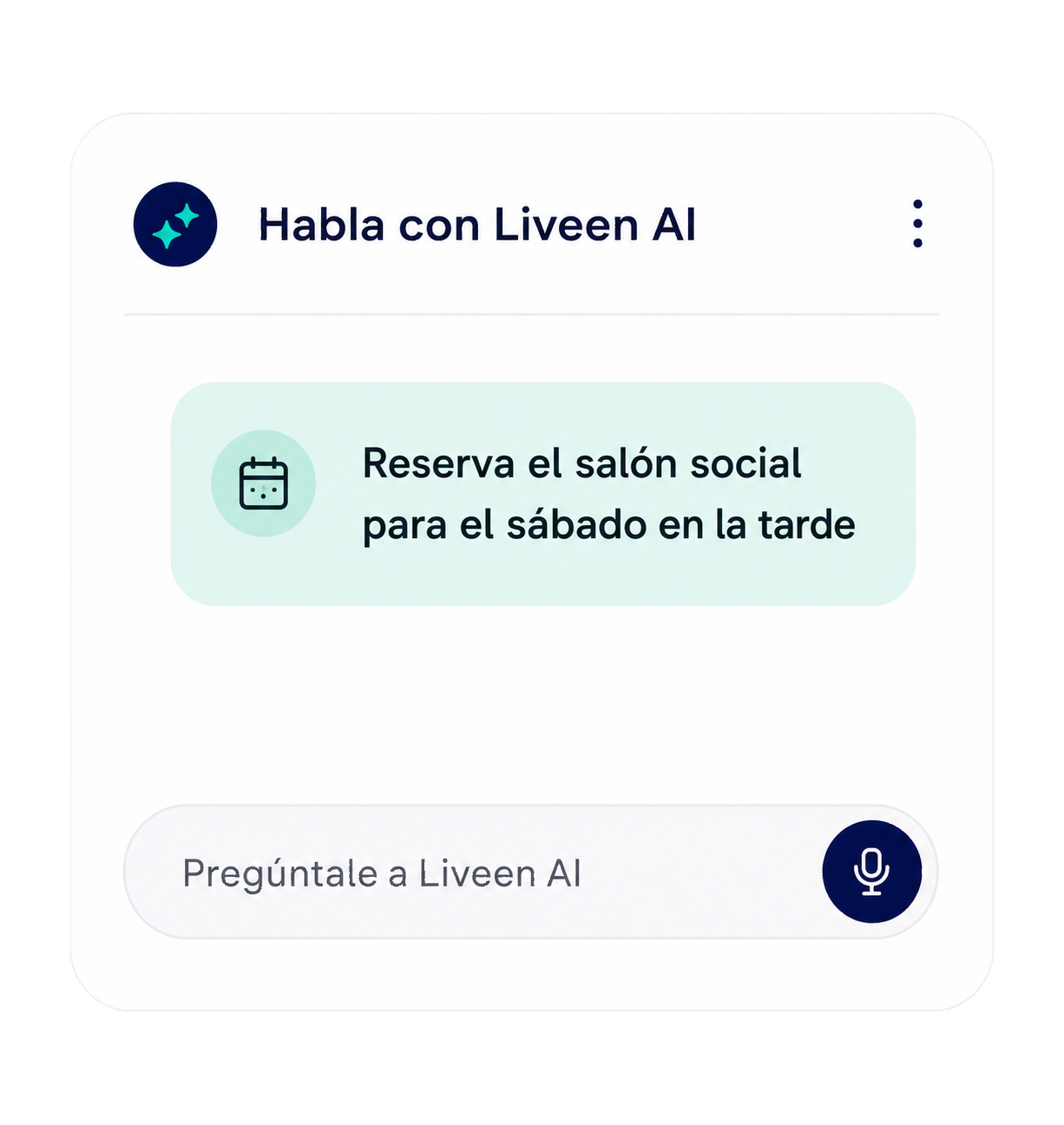
It analyzes your request and shows you the best options.
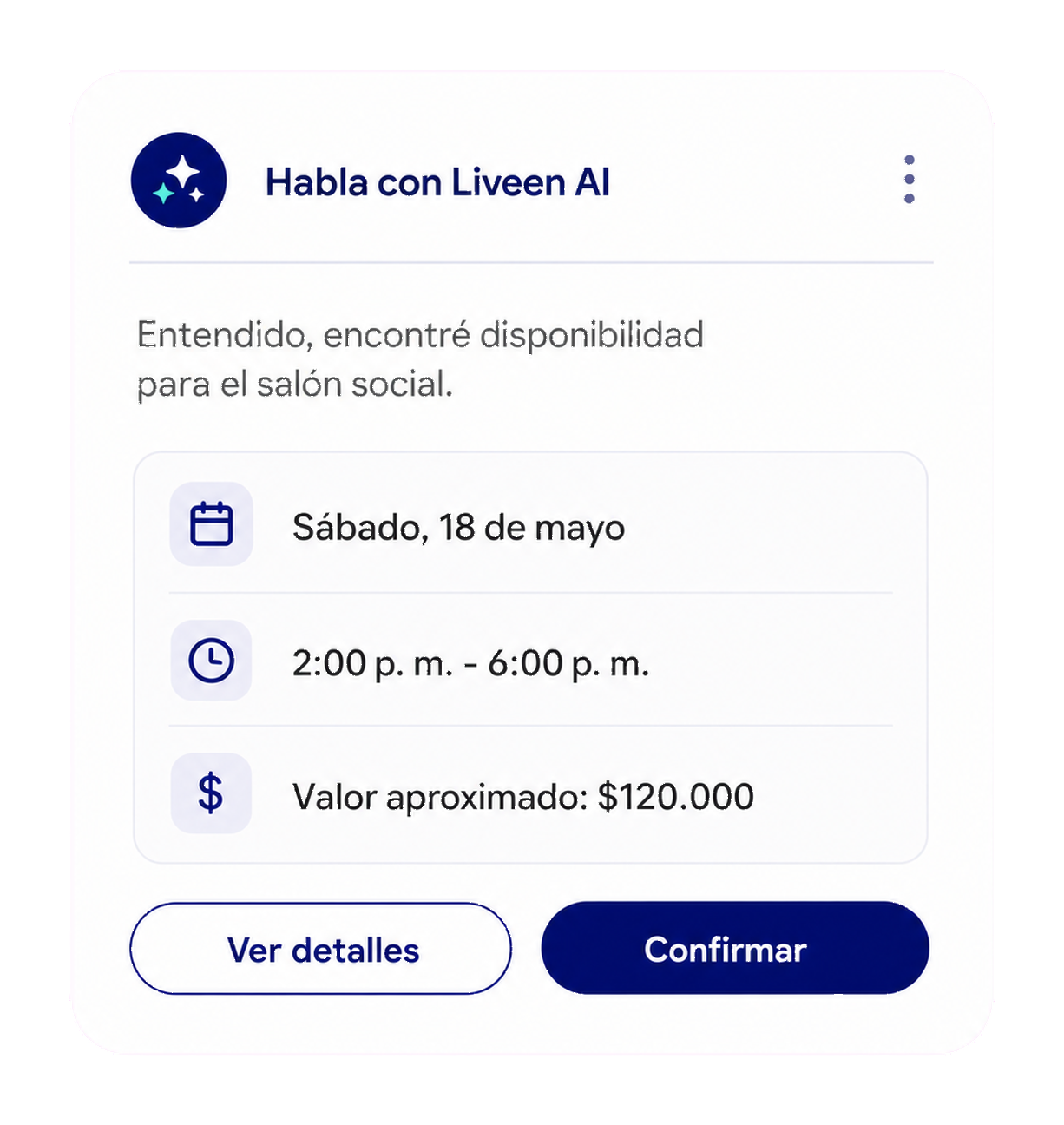
You confirm, and Liveen AI completes the action for you.

Take Liveen AI with you across all your devices.
Access Liveen AI from the app on your phone whenever you need it.
Our commitment
Important decisions always remain in your hands.
Liveen AI simplifies management; it never replaces your judgment.
Before an action runs, Liveen AI shows you what it will do so you can confirm it.
Your community information is handled with Liveen’s security controls.
Review actions, reservations, and requests completed through the app.
It adapts to administrators, residents, providers, and residential routines.
Learn how Liveen AI works, who remains in control, and what to expect when using it in your community.
Liveen AI is Liveen’s built-in assistant. Speak or type to find information and manage payments, reservations, requests, visitors, purchases, and services in one place.
No. Liveen AI works within the Liveen experience on mobile and web, so you do not have to switch platforms.
No. Before completing an action, it shows you the available options and asks for your confirmation.
It can assist administrators, residents, and providers according to the permissions and services enabled for each community.
Yes. Actions, reservations, and requests remain available in the app history so you can review them.
It will let you know and, when needed, you can continue with your administration team or human support.
Schedule a personalized demo and discover how Liveen can simplify your community operations.