Liveen

Communication

Common area bookings without conflicts or confusion

Review availability and rules, confirm the time, and keep residents and management working from the same schedule.

Book a demo
Residents enjoying a common area booked with Liveen

Bookings

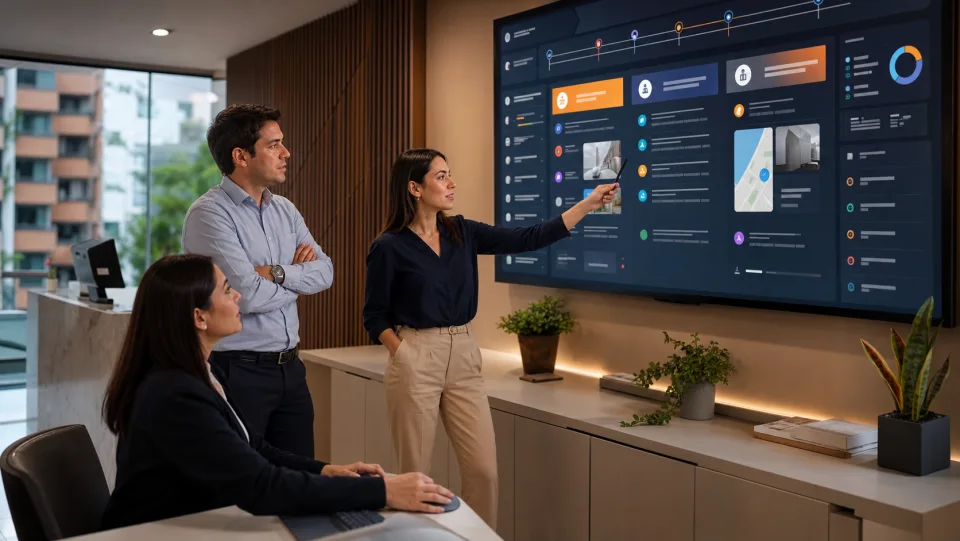
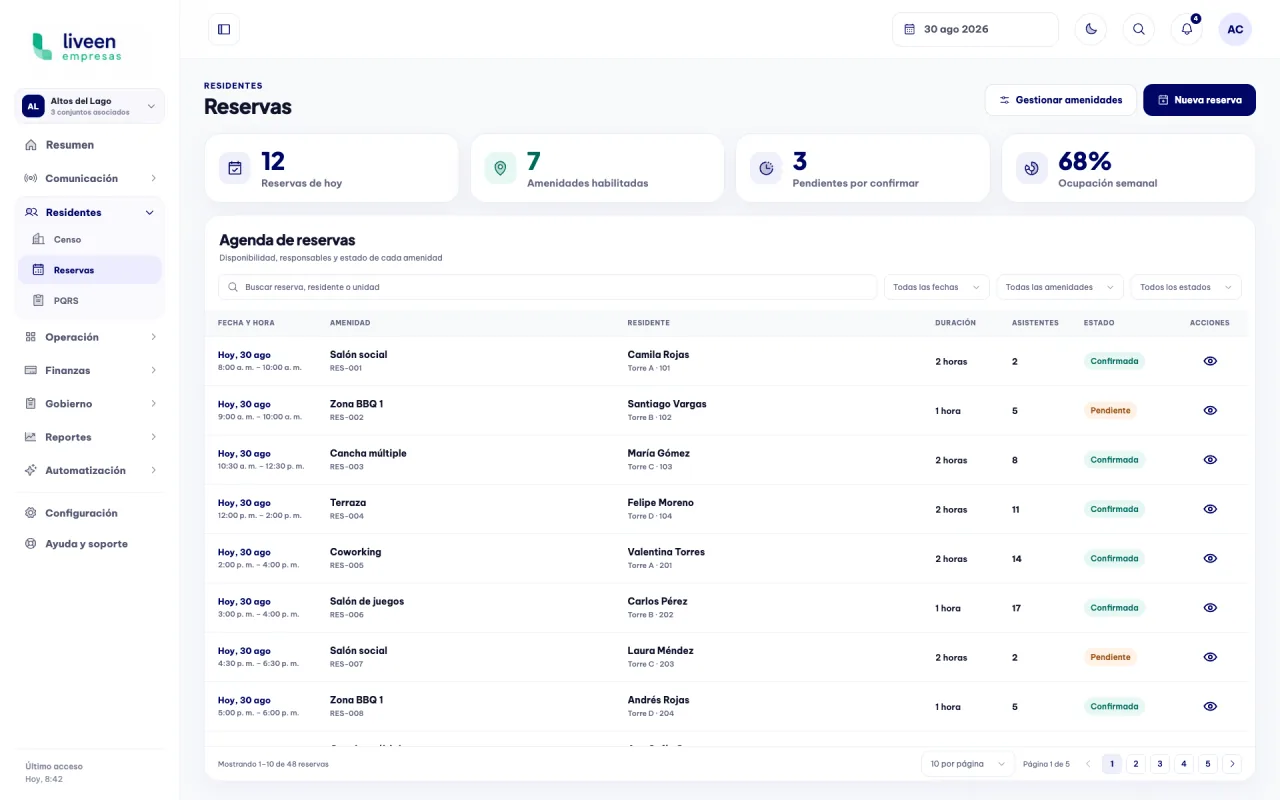
Every common area schedule in one place

Review bookings, responsible residents, times, and statuses from one central view built for daily coordination.

Administrative booking schedule in Liveen

Better coordinated spaces

01

Find the right space and time

Review available options before choosing the date and time for a booking.

  • Spaces and capacity kept visible.
  • Available and occupied times clearly differentiated.
  • Usage rules and cancellation terms close at hand.
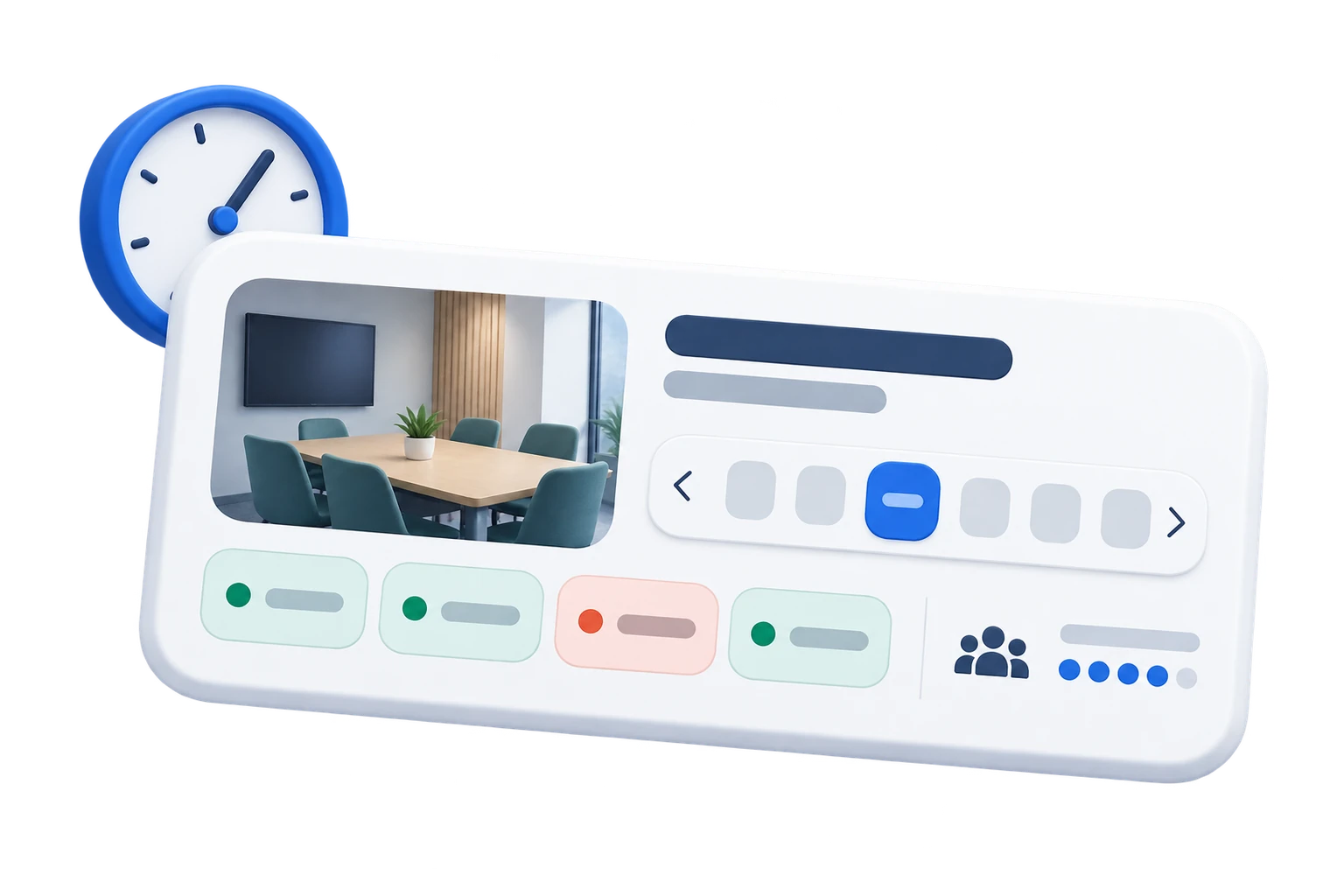
Common area and time availability in the Liveen app
02

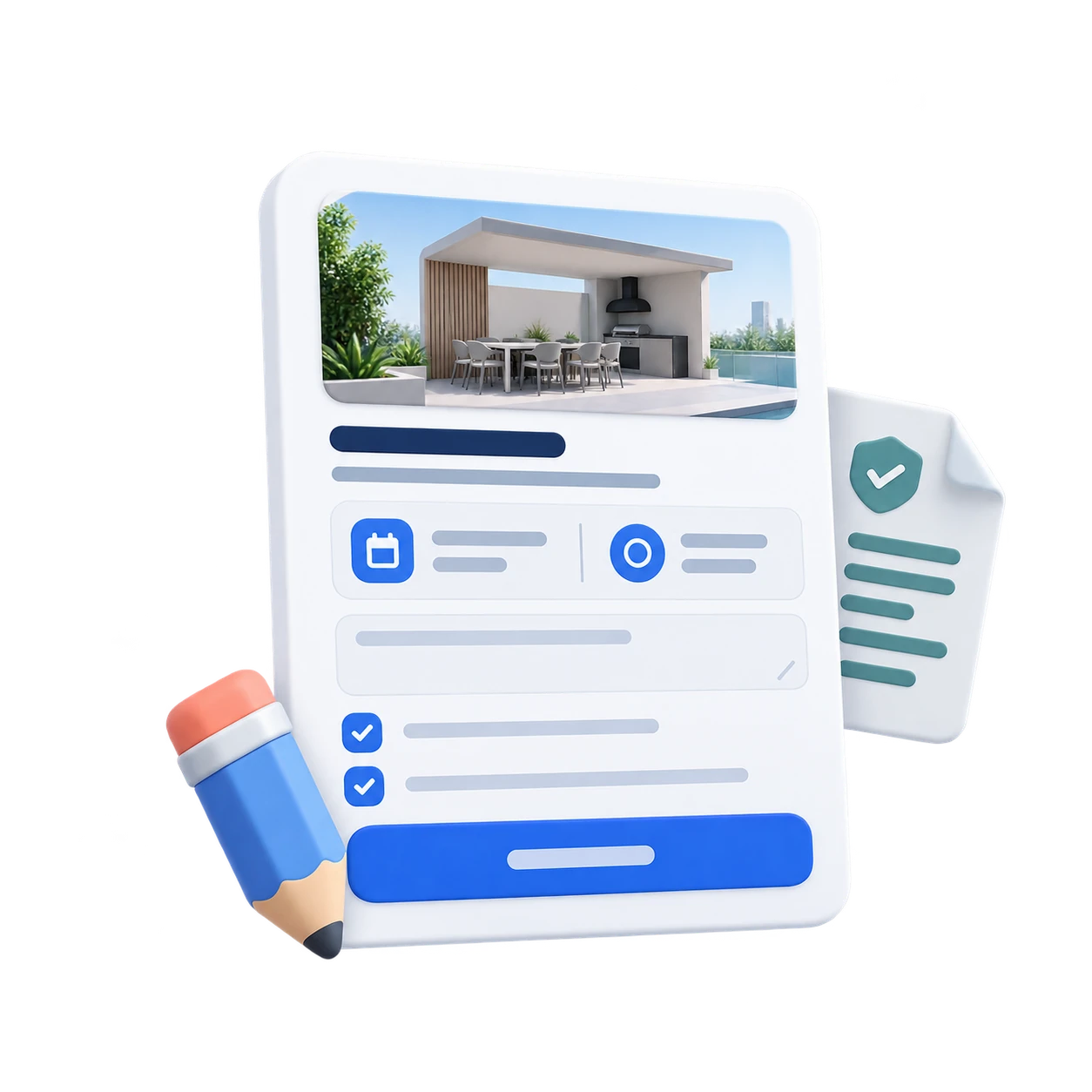
Review every detail before confirming

Review the summary, add a note, and accept the rules before confirming the space.

  • Space, date, and time in one summary.
  • Useful notes for management.
  • Rules accepted before confirmation.
Common area booking confirmation in the Liveen app
03

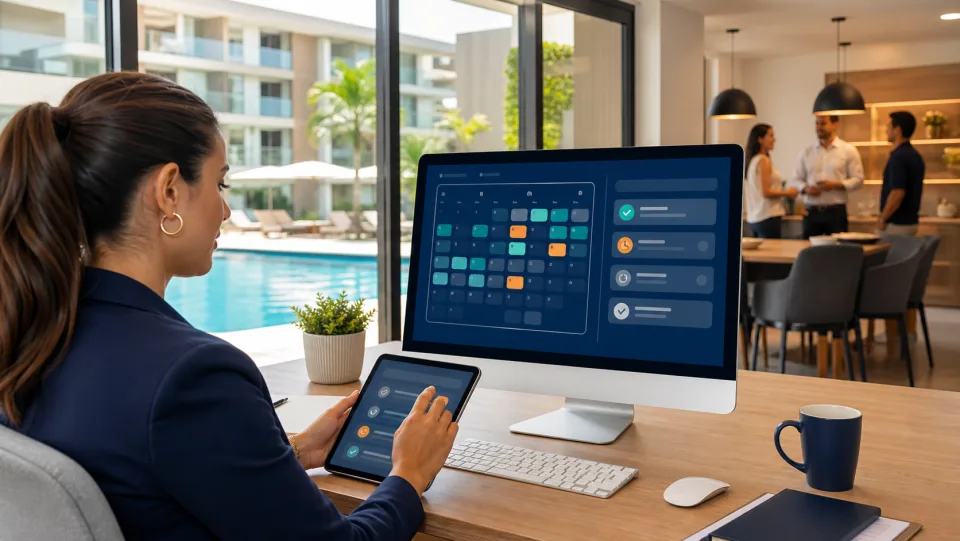
Keep every confirmation visible

Management can review confirmed bookings with the details needed to prepare each space.

  • Resident and unit identified.
  • Time, duration, and attendees visible.
  • Confirmed status within the schedule.
Confirmed bookings in the Liveen dashboard
04

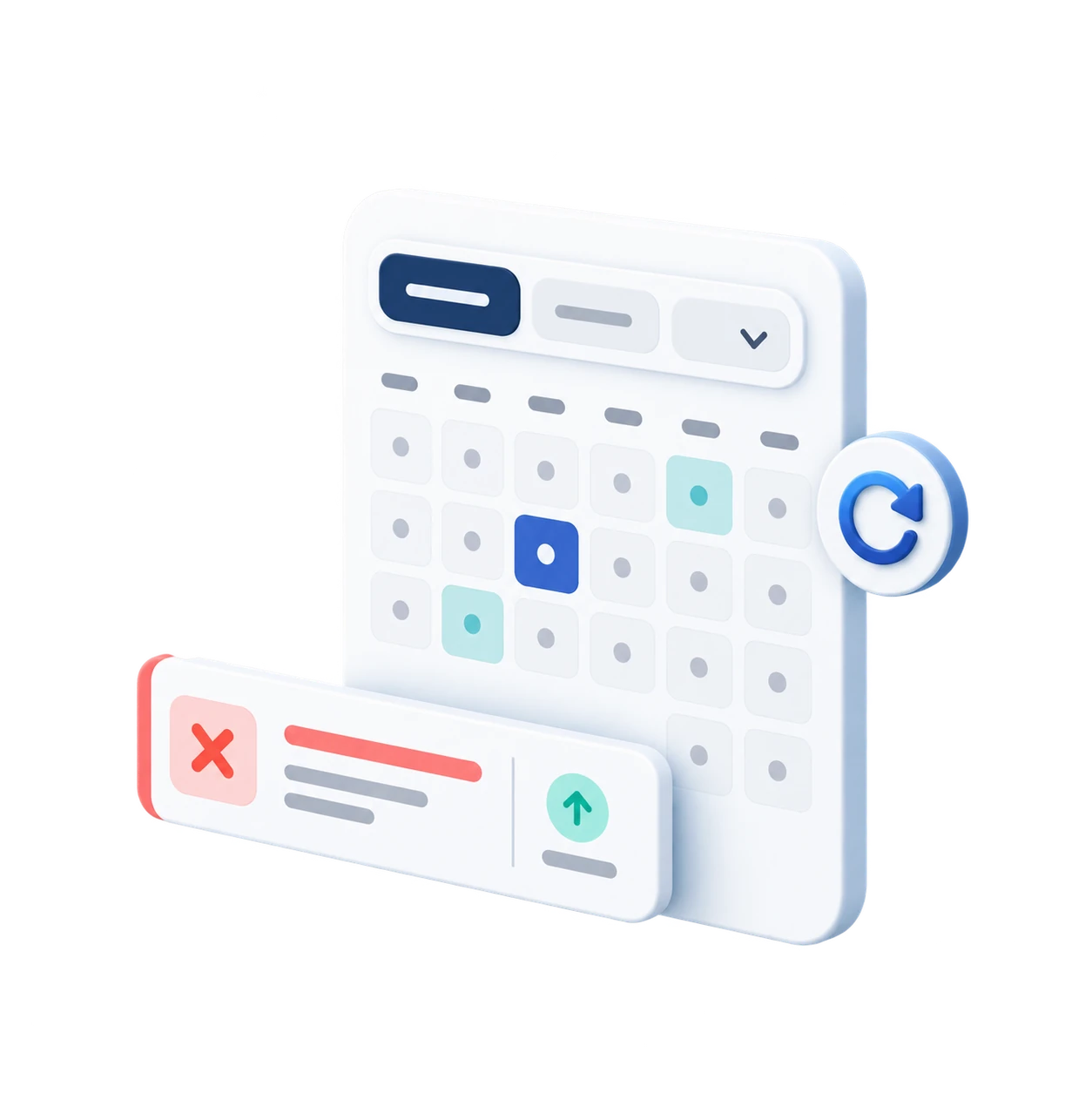
Manage schedules and cancellations

Filter the schedule and review changes to keep each space’s availability current.

  • Filters by date, space, and status.
  • Cancelled bookings easy to review.
  • Central control for coordinating the schedule.
Cancelled bookings and schedule controls in Liveen

See how Liveen bookings organize your common areas

Schedule a conversation with our team and see how Liveen connects availability, rules, confirmations, and administrative control.