Liveen

Operations

Your community inventory, always under control

Centralize items, locations, minimum stock levels, and movements to know what you have, where it is, and when to replenish it.

Book a demo
Management team coordinating community asset inventory with Liveen

Asset inventory

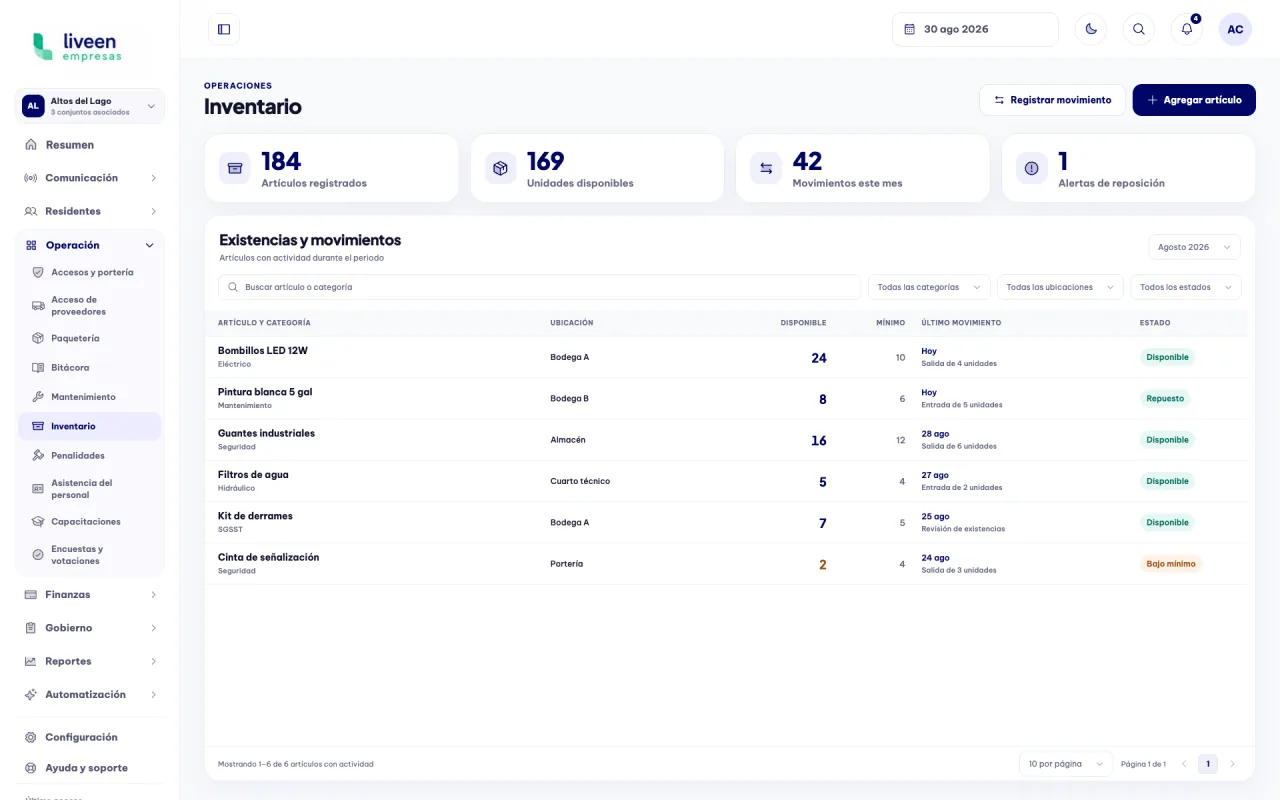
Stock and movements in one view

Review registered items, available units, recent movements, and replenishment alerts from the same dashboard.

Asset inventory dashboard in Liveen

Inventory control and traceability

01

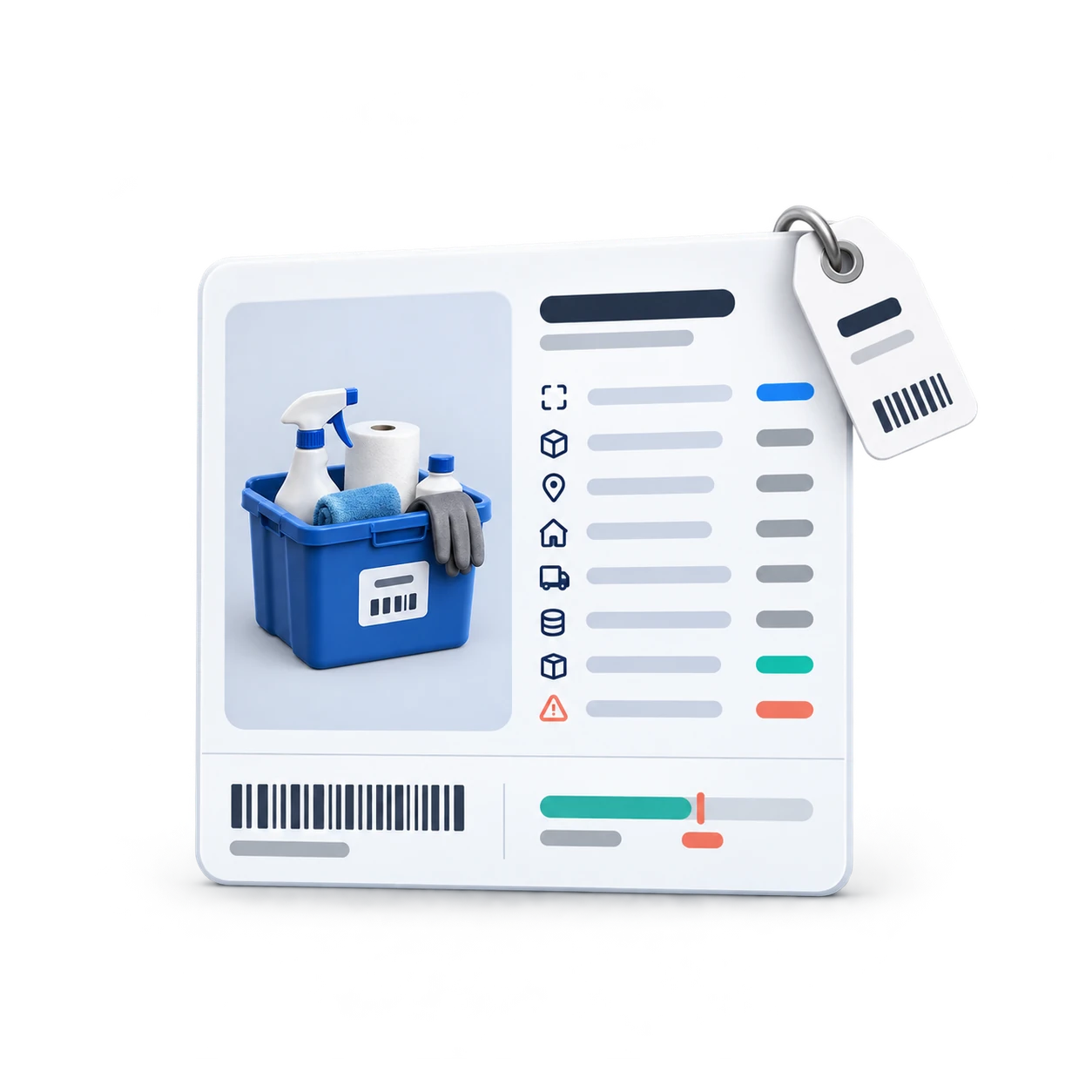
Add every item with complete information

Register its reference, category, location, stock, cost, and provider to start with clear information from the first movement.

  • Code, category, and unit of measure.
  • Initial stock and minimum level.
  • Cost, provider, and control rules.

Form to add an inventory item in Liveen
02

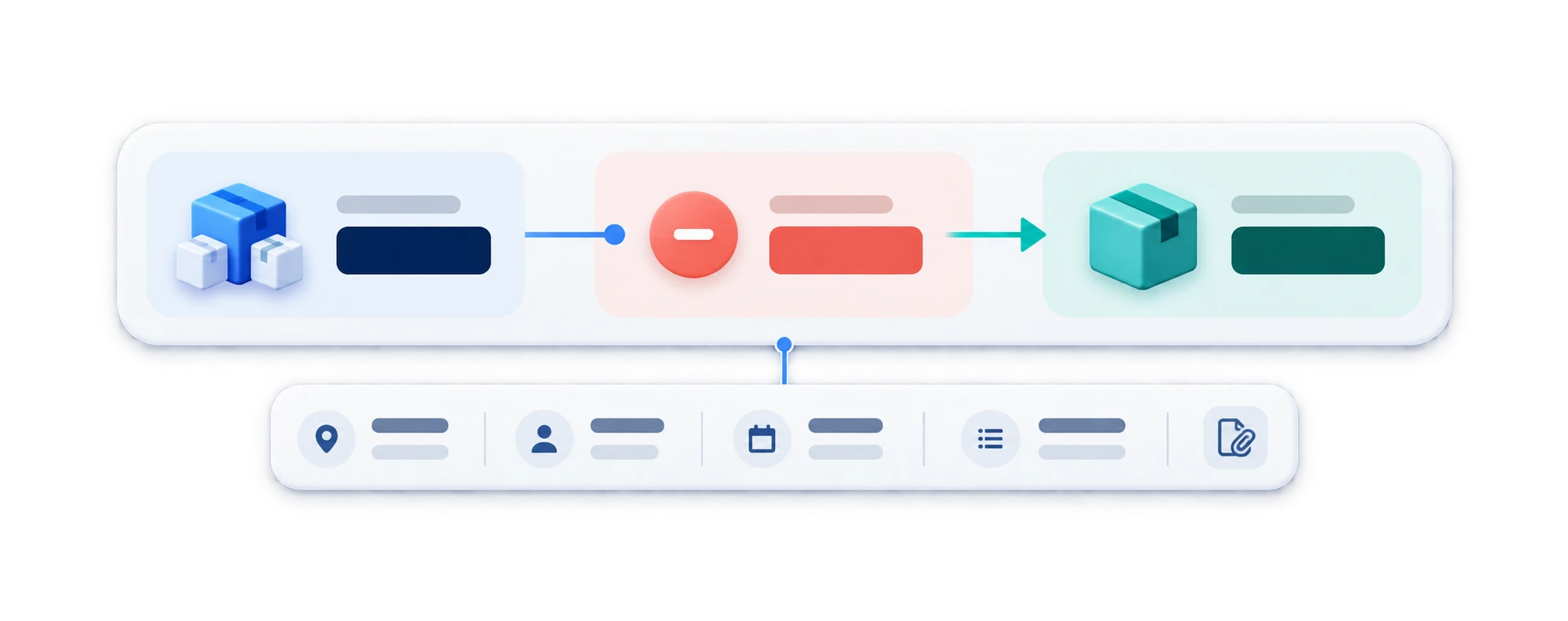
Record every receipt, issue, or adjustment

Update stock with the item, quantity, location, owner, and supporting document associated with each movement.

  • Receipts, issues, and adjustments clearly separated.
  • Resulting stock calculated clearly.
  • Owner, date, and reason fully traceable.
Recording an inventory movement in Liveen

See how Liveen keeps your community inventory up to date

Schedule a conversation with our team and see how to centralize items, stock, movements, and replenishment alerts.