Liveen

Communication

Conversations and groups that bring your community closer

Answer questions, organize interest-based groups, and make conversations easier between residents and management.

Book a demo
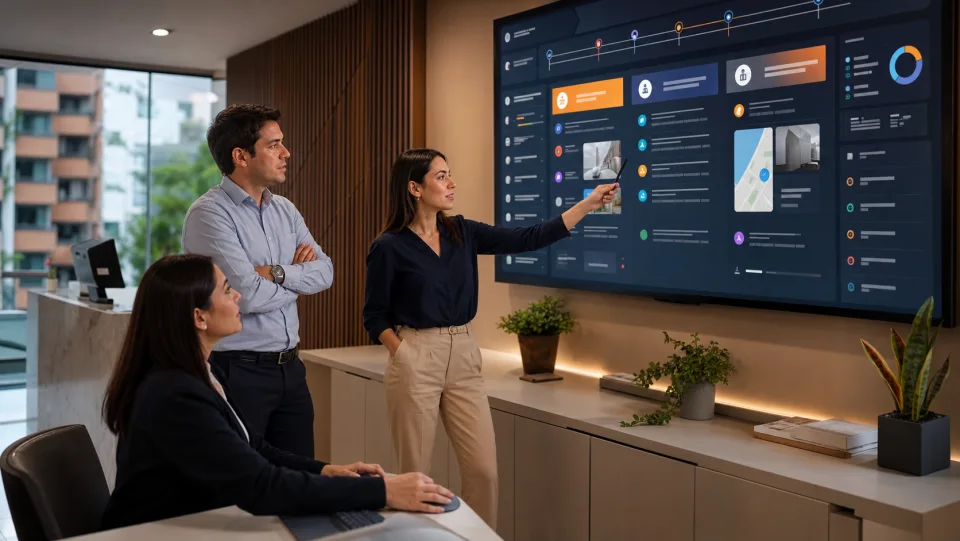
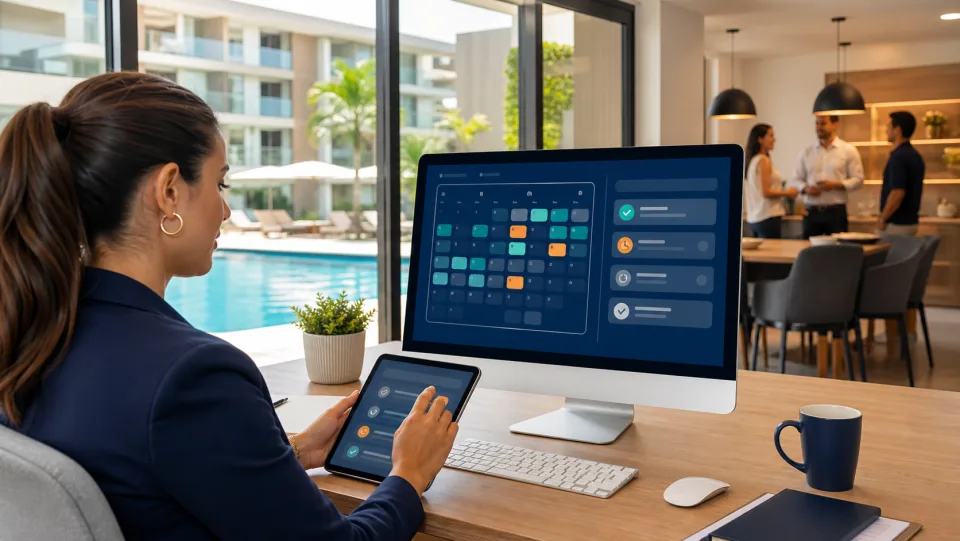
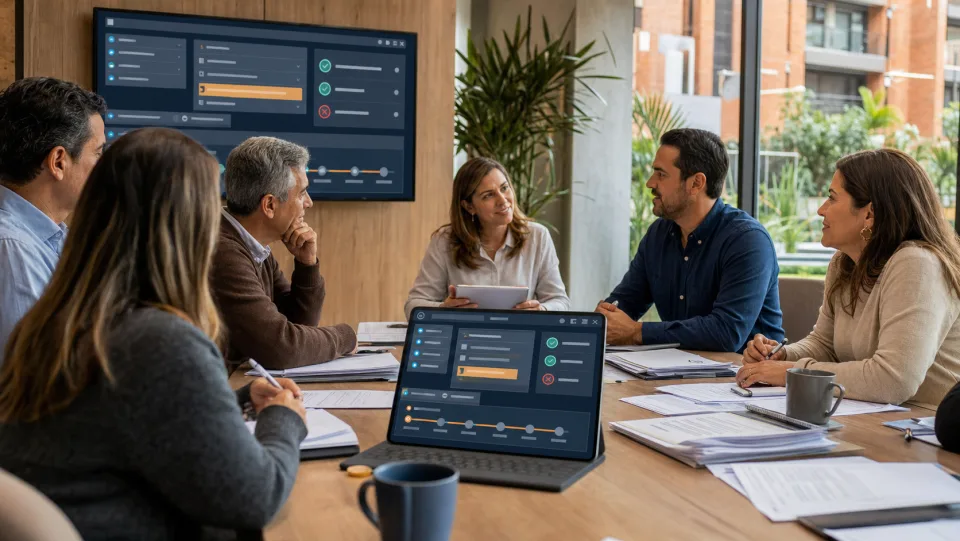
Management and residents talking in a community connected through Liveen
Community groups in the Liveen app

Chat/Groups

Every conversation in one place

Handle resident chats, review pending messages, and keep the history your team needs to respond clearly.

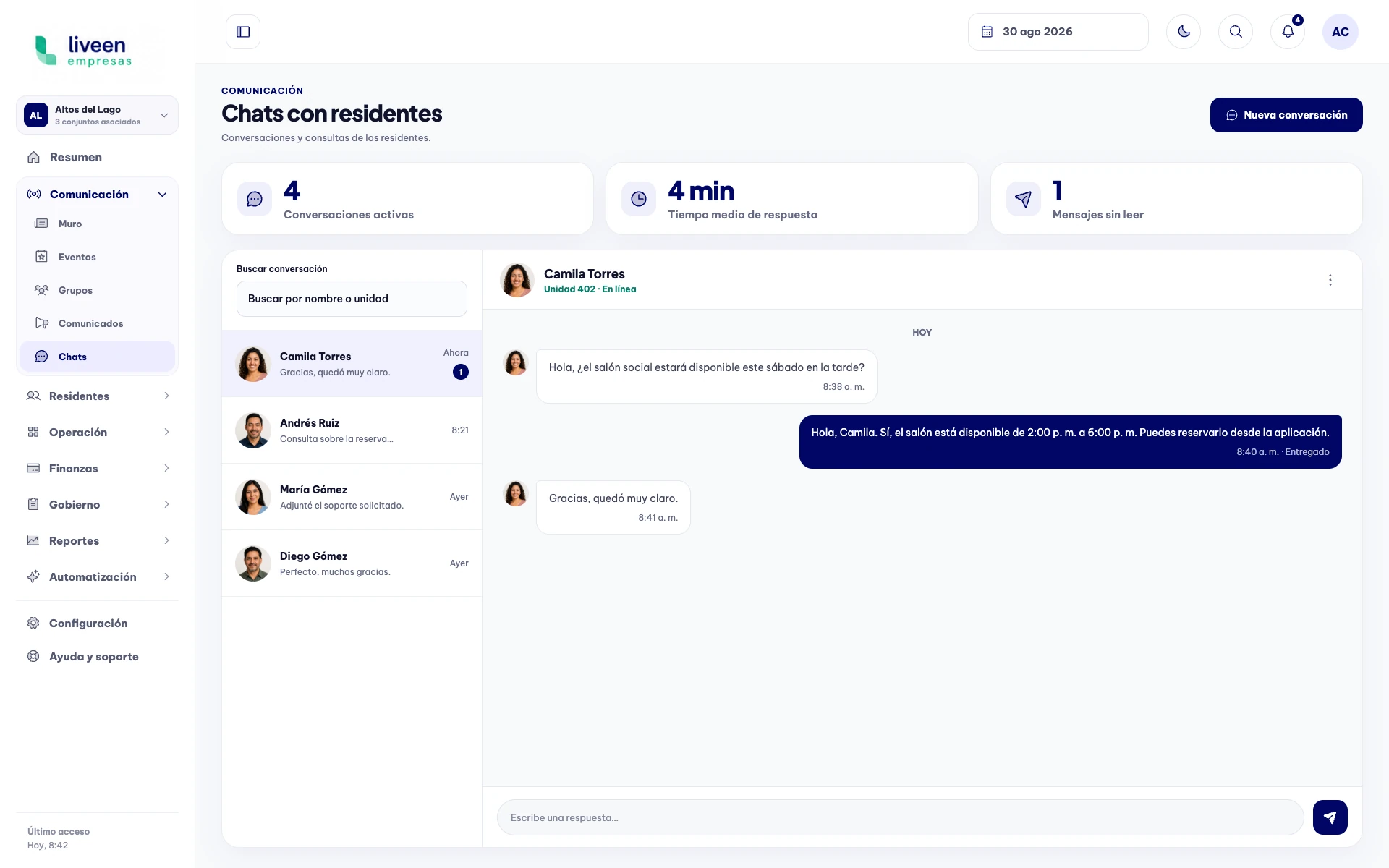
Resident chat dashboard in Liveen

Direct, organized communication

01

Reply without losing the thread

Review the complete conversation and prepare each response from a view designed for efficient work.

  • Conversations organized by resident and unit.
  • Pending messages that are easy to identify.
  • Direct replies from the management dashboard.
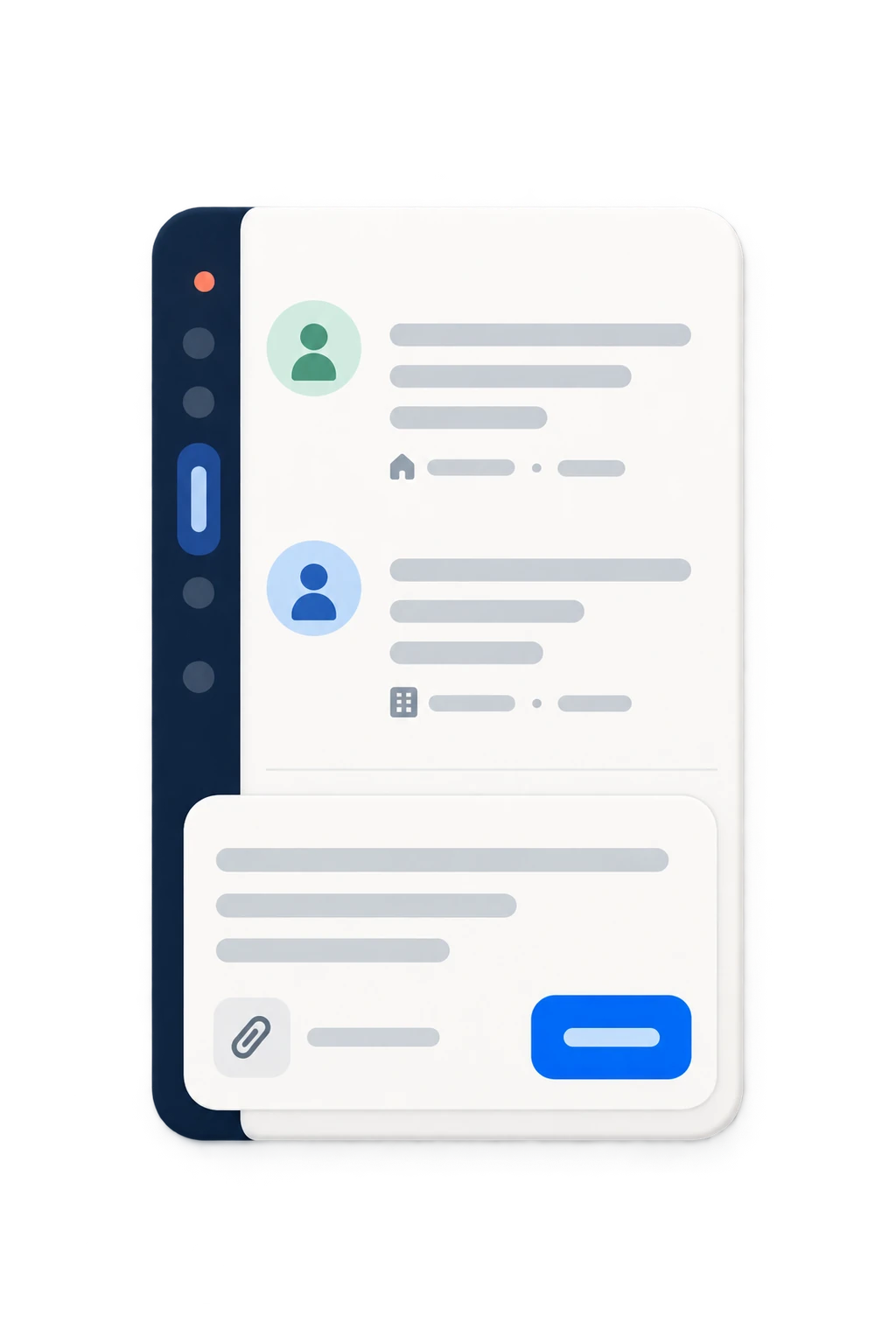
Reply being prepared in a Liveen chat
02

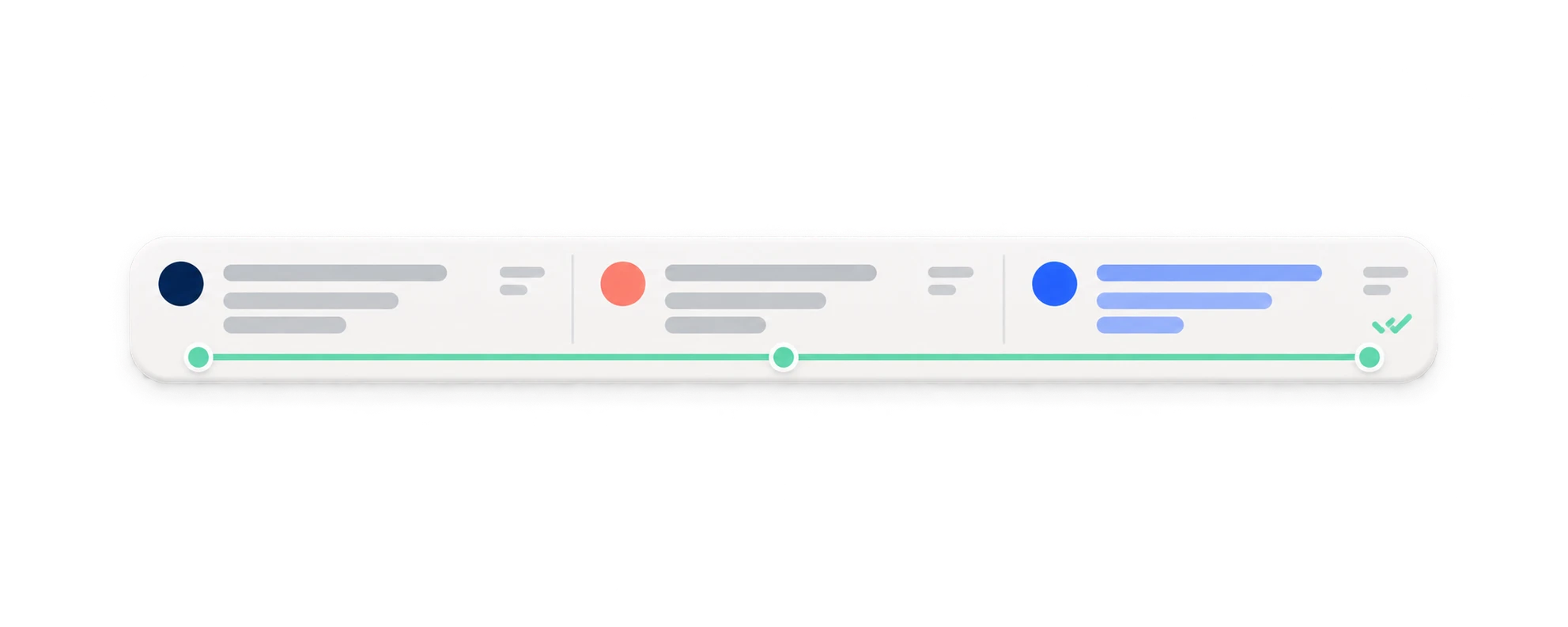
Keep every response on record

Send the message and keep the exchange visible so management can resume each conversation whenever needed.

  • Visible delivery status.
  • History available within the same conversation.
  • Continuity for the management team.
Reply sent to a resident from Liveen
03

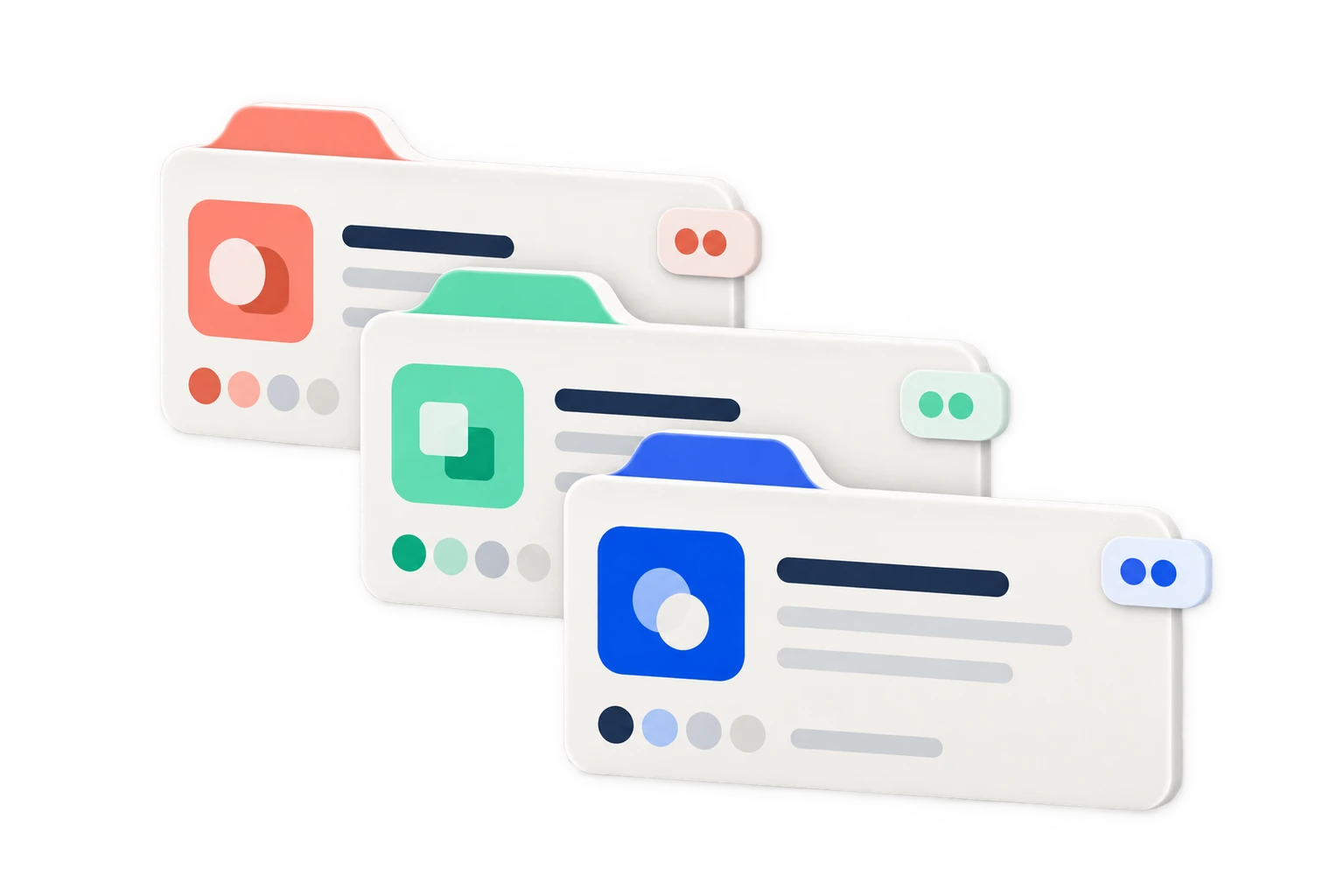
Create groups for every purpose

Bring residents together around interests, activities, and initiatives that strengthen community life.

  • Active groups and participation kept visible.
  • Join requests centralized.
  • Recent activity in one view.
Community groups dashboard in Liveen
04

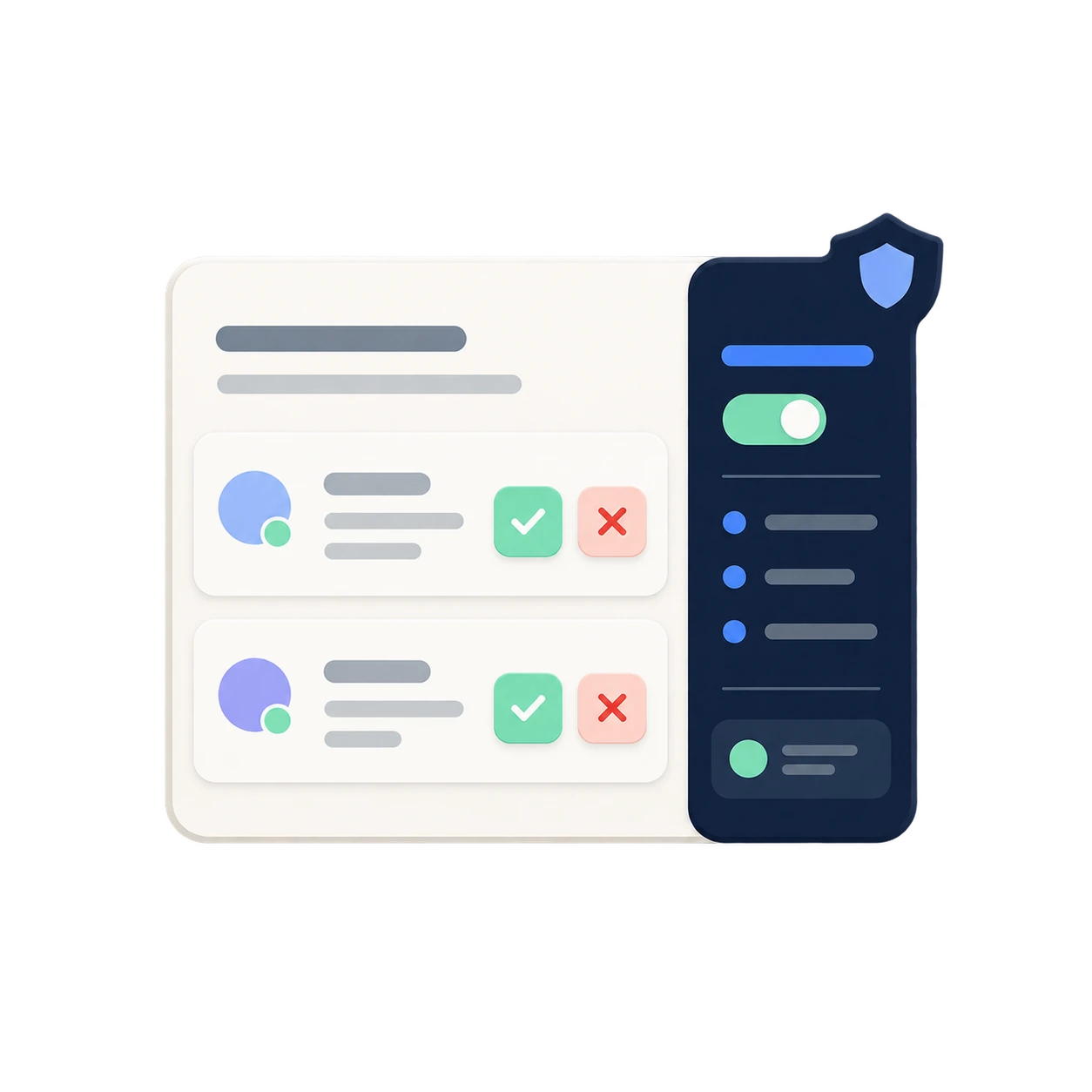
Configure access and moderation

Define who can participate and establish clear rules before launching each group.

  • Configurable audience and visibility.
  • Participation rules kept visible.
  • Moderation and join requests under control.
New community group configuration in Liveen

See how Chat/Groups brings your community closer

Schedule a conversation with our team and see how Liveen connects chats, groups, participants, and moderation in one place.