Liveen

Operations

Every operational update, recorded and available

Record what happens across community spaces and services, identify who is responsible, and keep a clear history for follow-up.

Book a demo
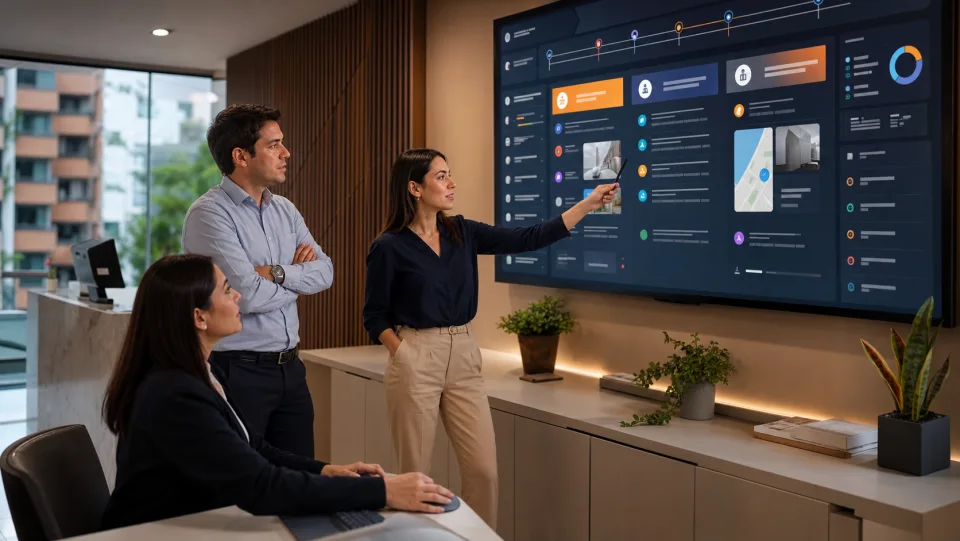
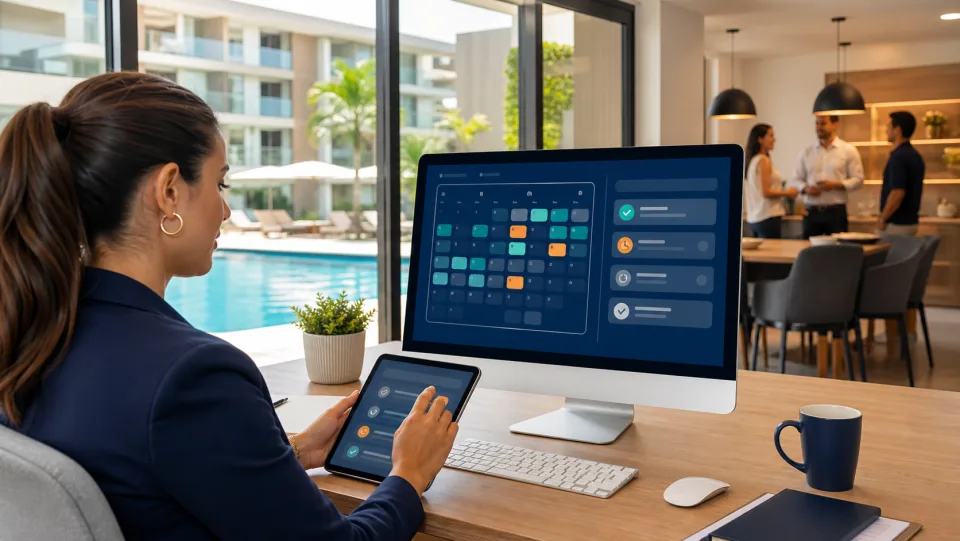
Community manager reviewing operations with Liveen

Daily operations

Your entire operation in one logbook

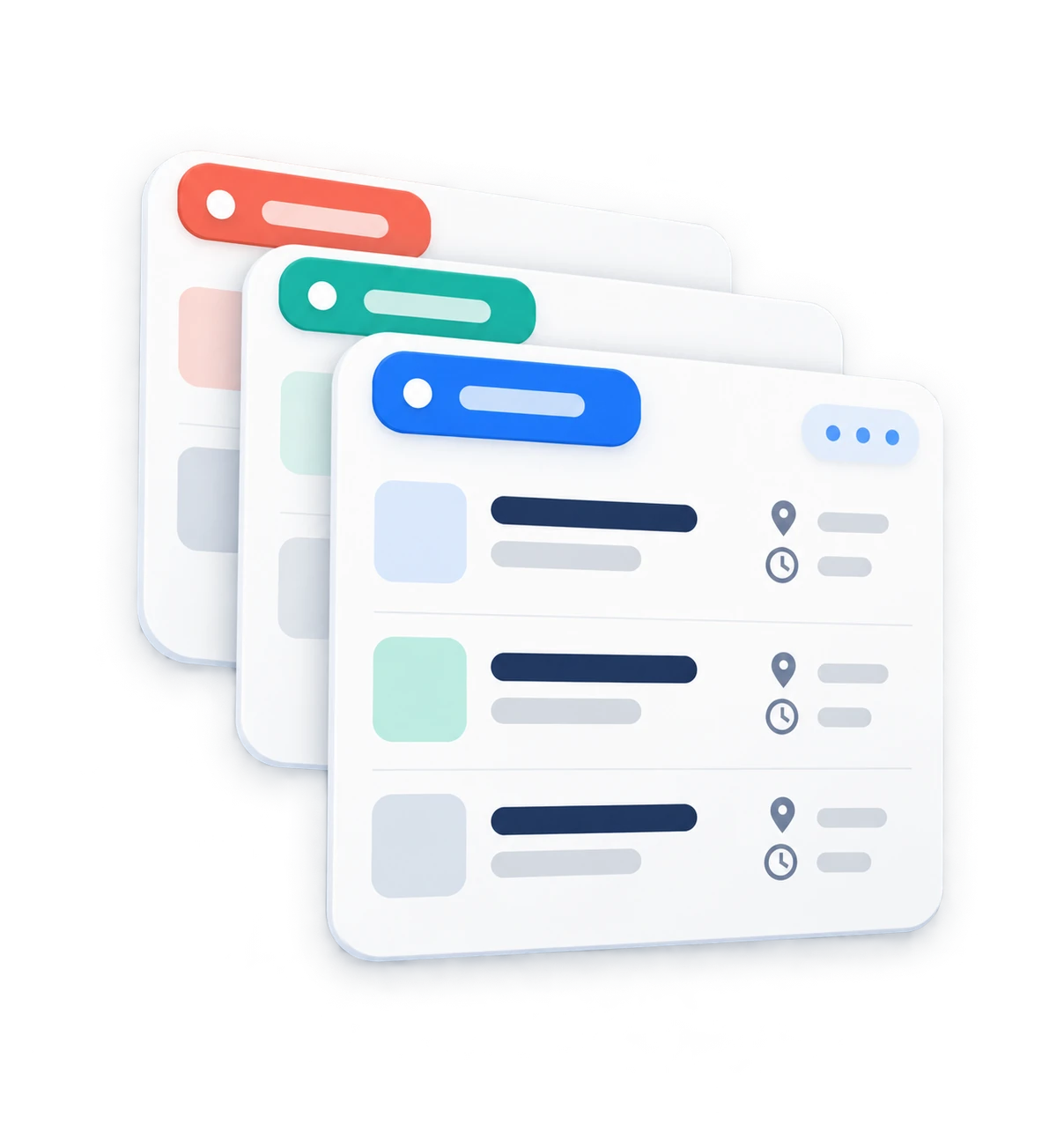
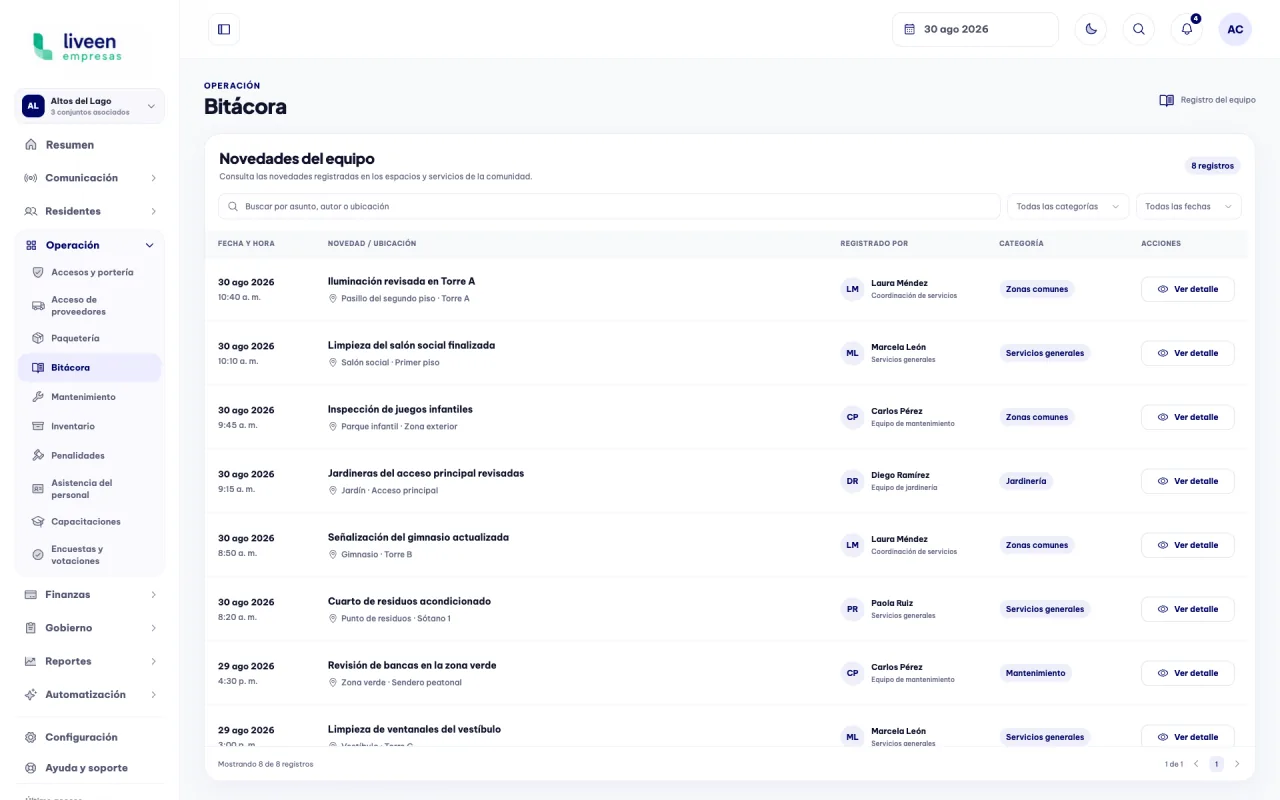
Review updates, locations, team members, categories, and dates from a central view designed for daily work.

Logbook dashboard in Liveen

Clear, organized follow-up

01

Organize updates by category

Filter records to focus on the area you need to review and find each update faster.

  • Categories for spaces and services.
  • Results updated within the same view.
  • Record count kept visible.
Liveen logbook filtered by common-area updates
02

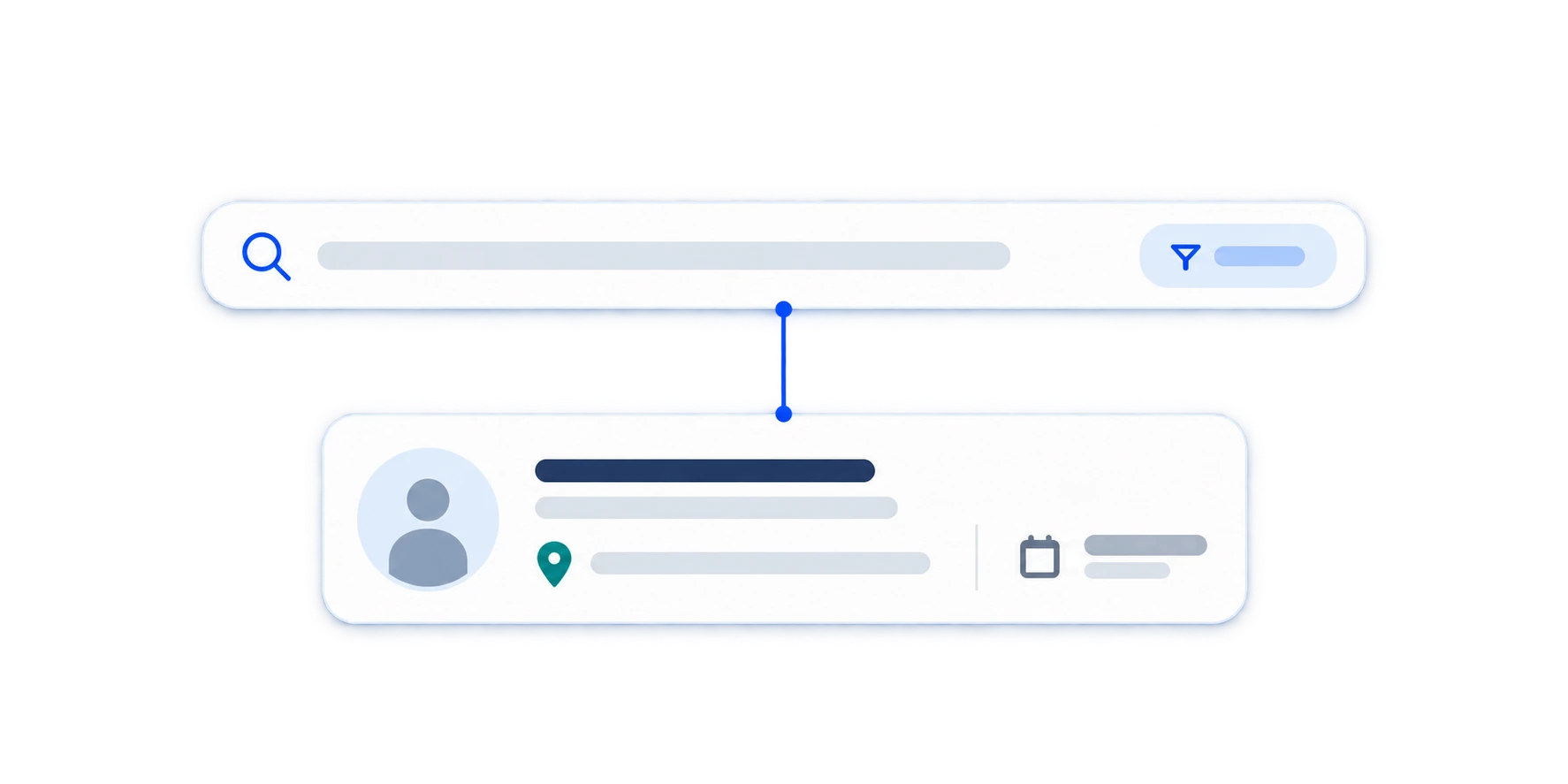
Find any record in seconds

Search by subject, team member, or location to retrieve information without reviewing complete lists.

  • Keyword search.
  • Team members and locations easy to review.
  • Precise results for faster responses.
Searching logbook records in Liveen
03

Review every detail without losing the thread

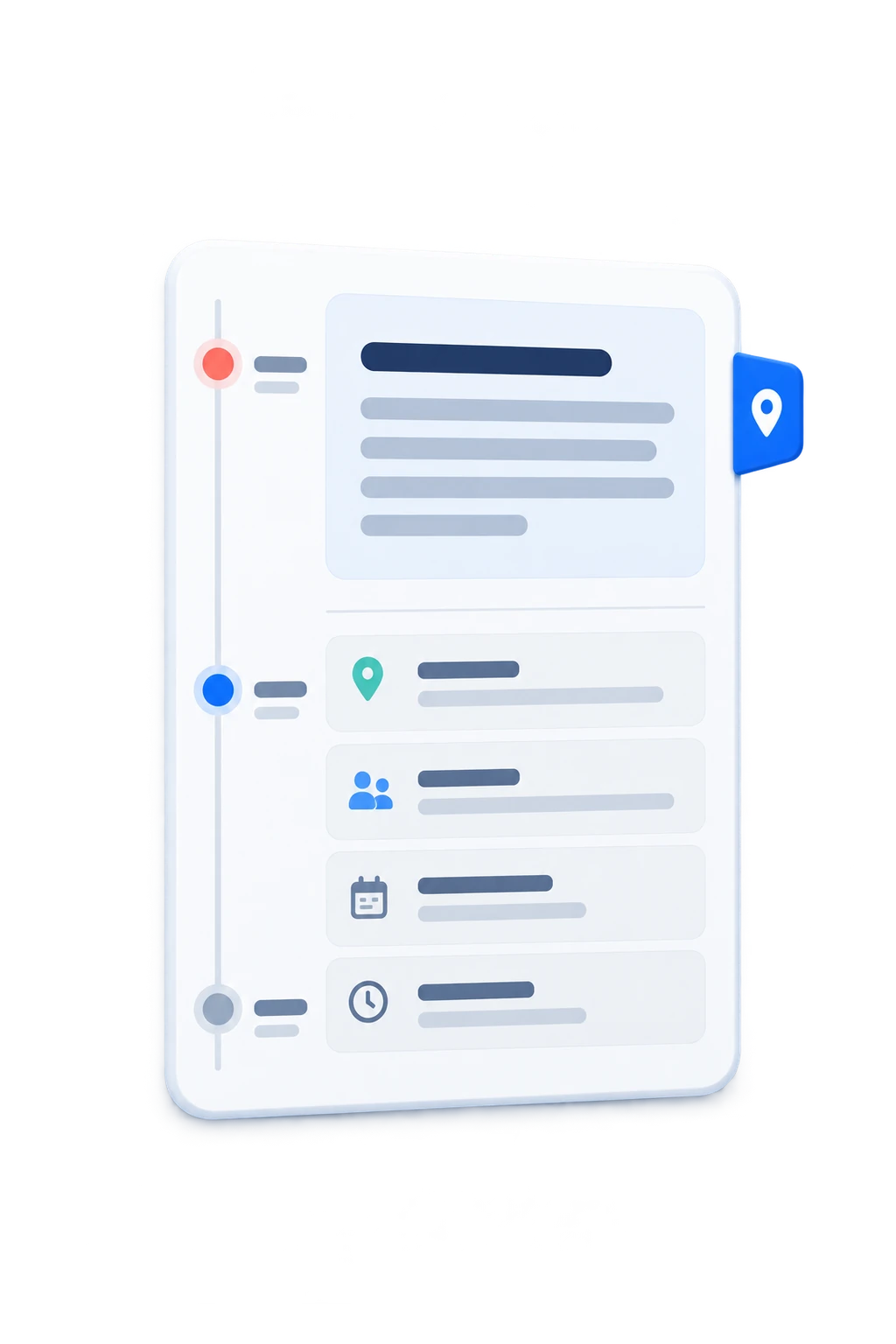
Open an update and review its description, location, owner, team, date, and time from the same dashboard.

  • Complete record description.
  • Owner and team clearly identified.
  • Date and time available for follow-up.
Operational update details in Liveen

See how the logbook organizes your daily operation

Schedule a conversation with our team and see how Liveen brings updates, team members, and history together in one place.