Liveen

Operations

Maintenance under control, from request to completion

Plan preventive work, handle corrective jobs, and review owners, dates, budgets, and progress from one place.

Book a demo
Management team coordinating community maintenance with Liveen

Maintenance

Every work order, with clear ownership and follow-up

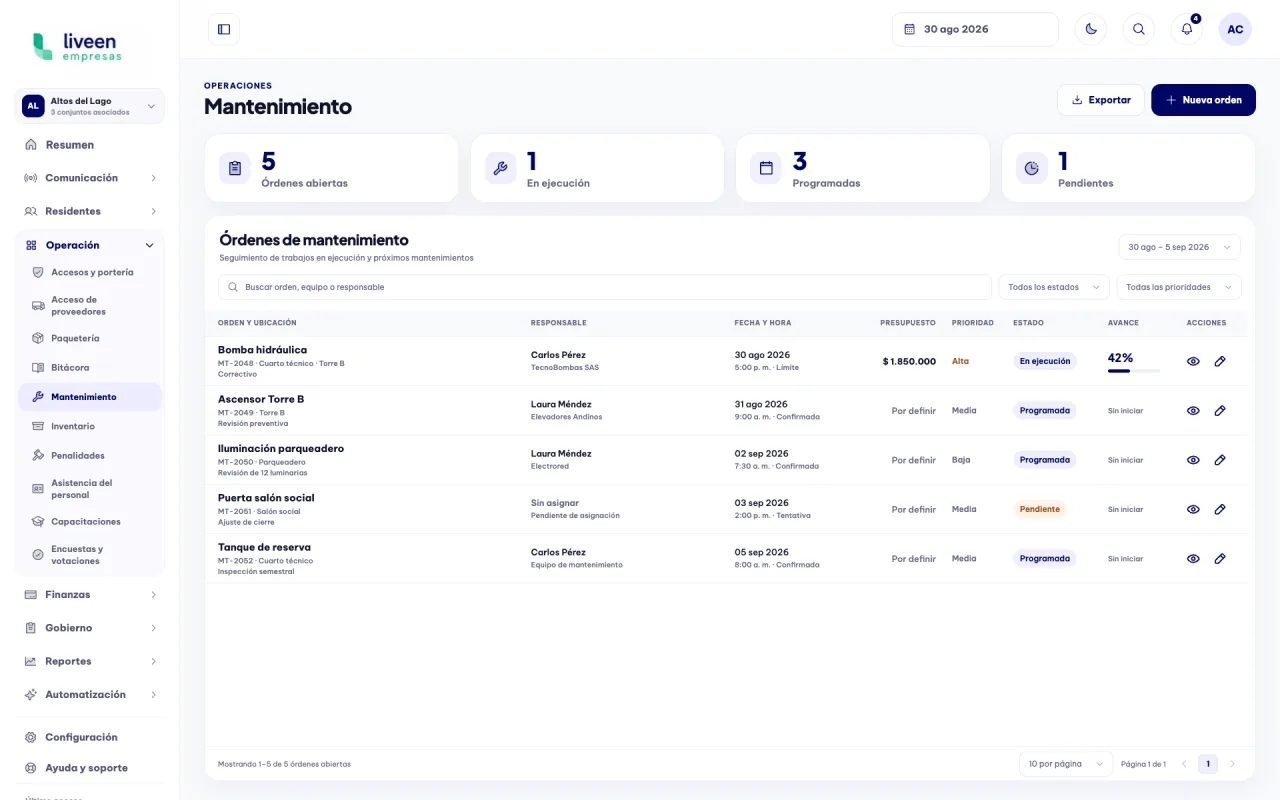
Bring preventive and corrective work, owners, dates, priorities, budgets, and progress together in one dashboard.

Maintenance work order dashboard in Liveen

Operational planning and follow-up

01

Create every work order with complete information

Define the maintenance type, describe the work, and assign owners, dates, and budget from a single form.

  • Type, priority, and location defined from the start.
  • Owners, providers, and dates in the same work order.
  • Work plan and budget ready for follow-up.
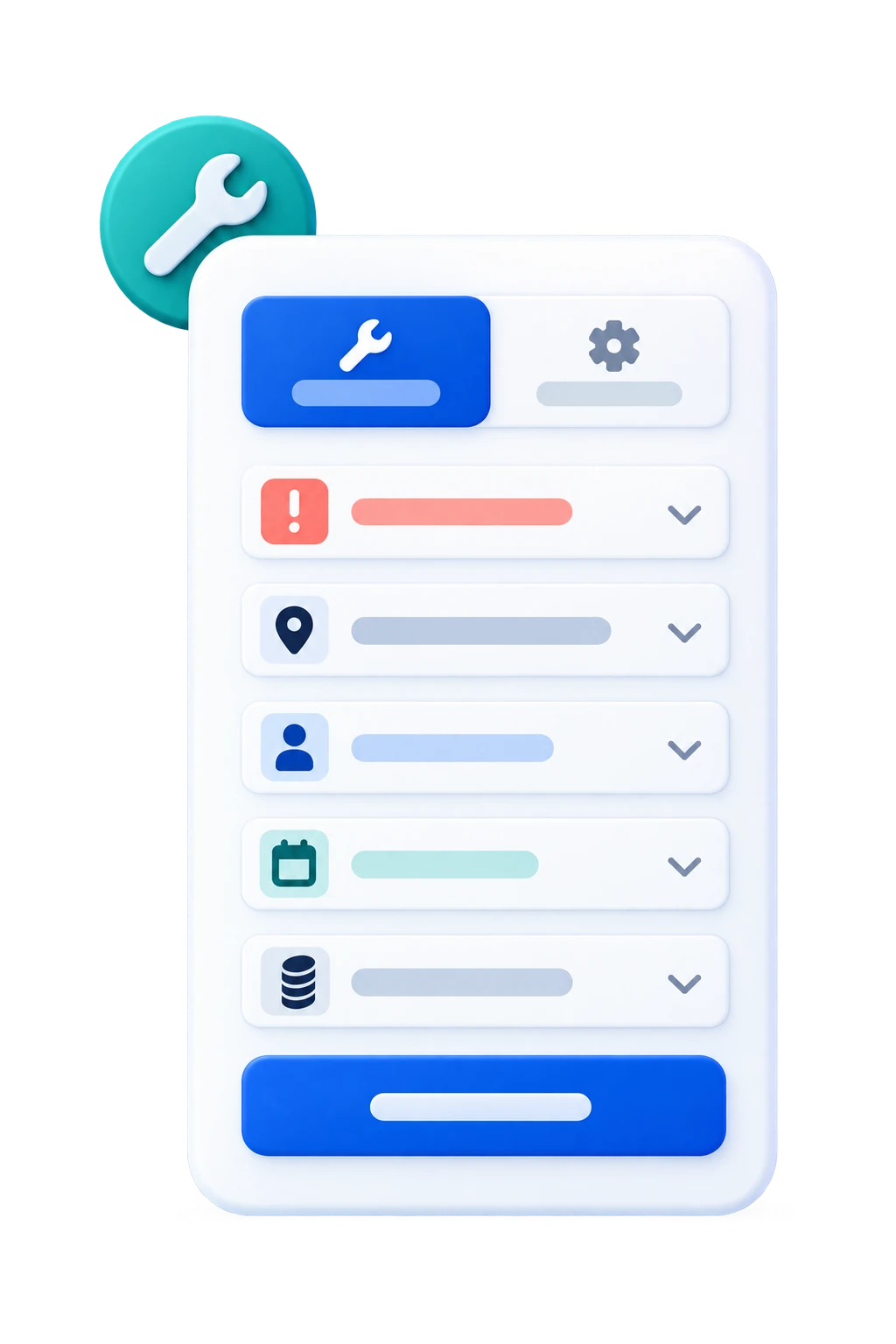
Form to create a maintenance work order in Liveen
02

Review every work order in full detail

Review the asset, location, owner, budget, work plan, and recent activity from a single view.

  • Operational summary always available.
  • Work plan and attachments kept organized.
  • Recent activity with clear traceability.
Maintenance work order details in Liveen
03

Update the work order as it progresses

Edit scheduling, owners, budget, and work information without creating duplicate records.

  • Editable information within the same work order.
  • Owners and dates easy to adjust.
  • Changes centralized for the entire team.
Editing a maintenance work order in Liveen
04

Find every work order in seconds

Search by work order, asset, location, or owner to retrieve the information you need quickly.

  • Keyword search.
  • Precise results in the same view.
  • Less time reviewing complete lists.
Searching for a maintenance work order in Liveen

See how Liveen organizes your community maintenance

Schedule a conversation with our team and see how to centralize work orders, owners, budgets, and progress.