Liveen

Security

A security logbook for fully connected shifts

Bring automatic access events, manual updates, and shift handoffs into one clear timeline for gate staff and management.

Book a demo
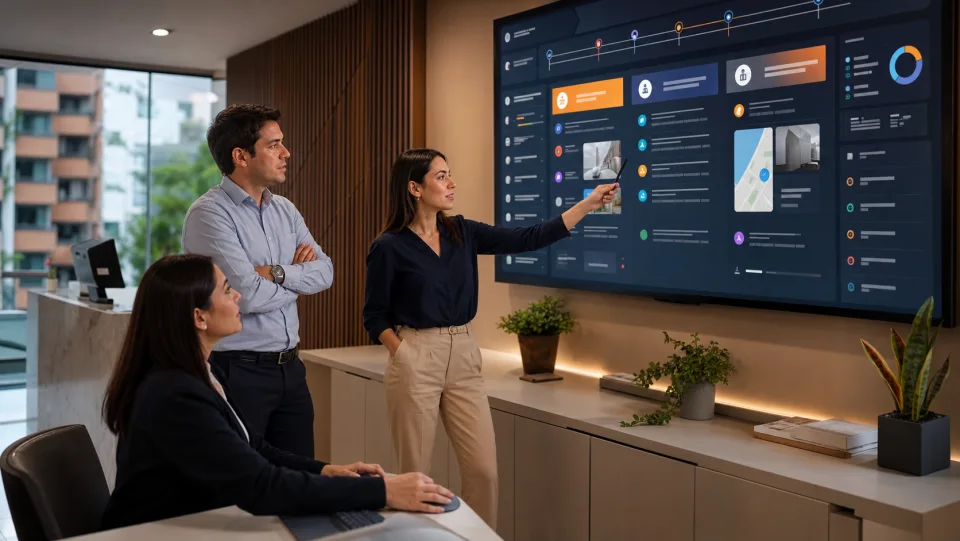
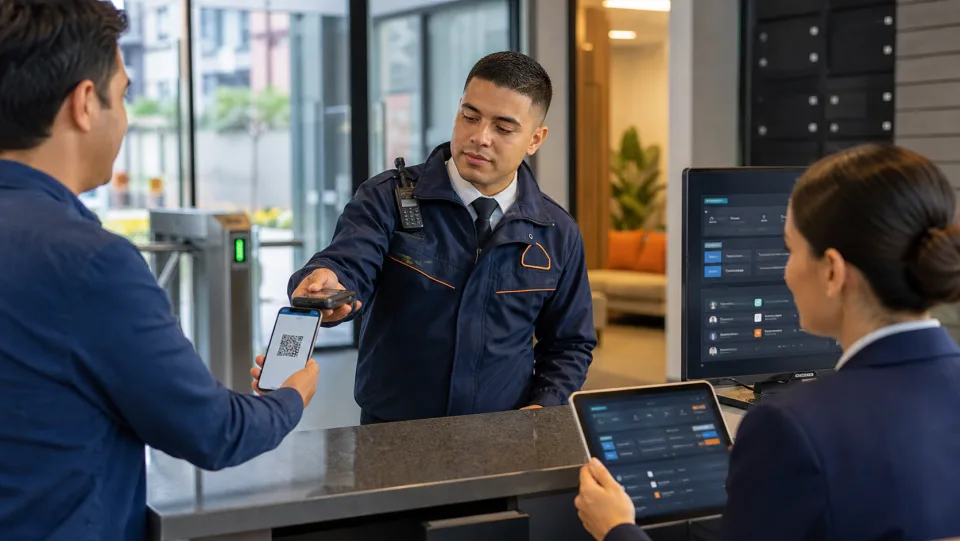
Security team coordinating community operations with Liveen

Security logbook

The entire shift operation in one view

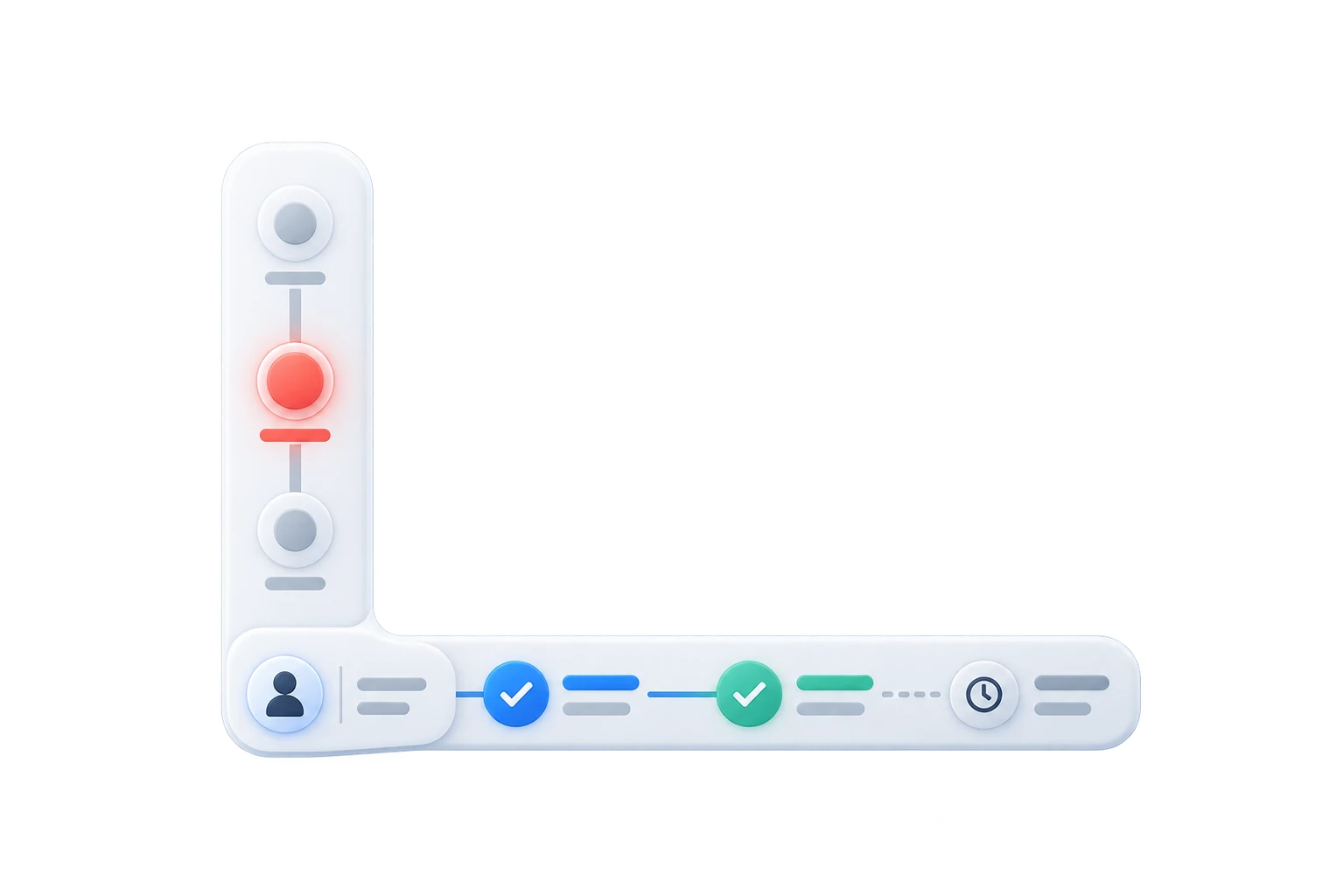
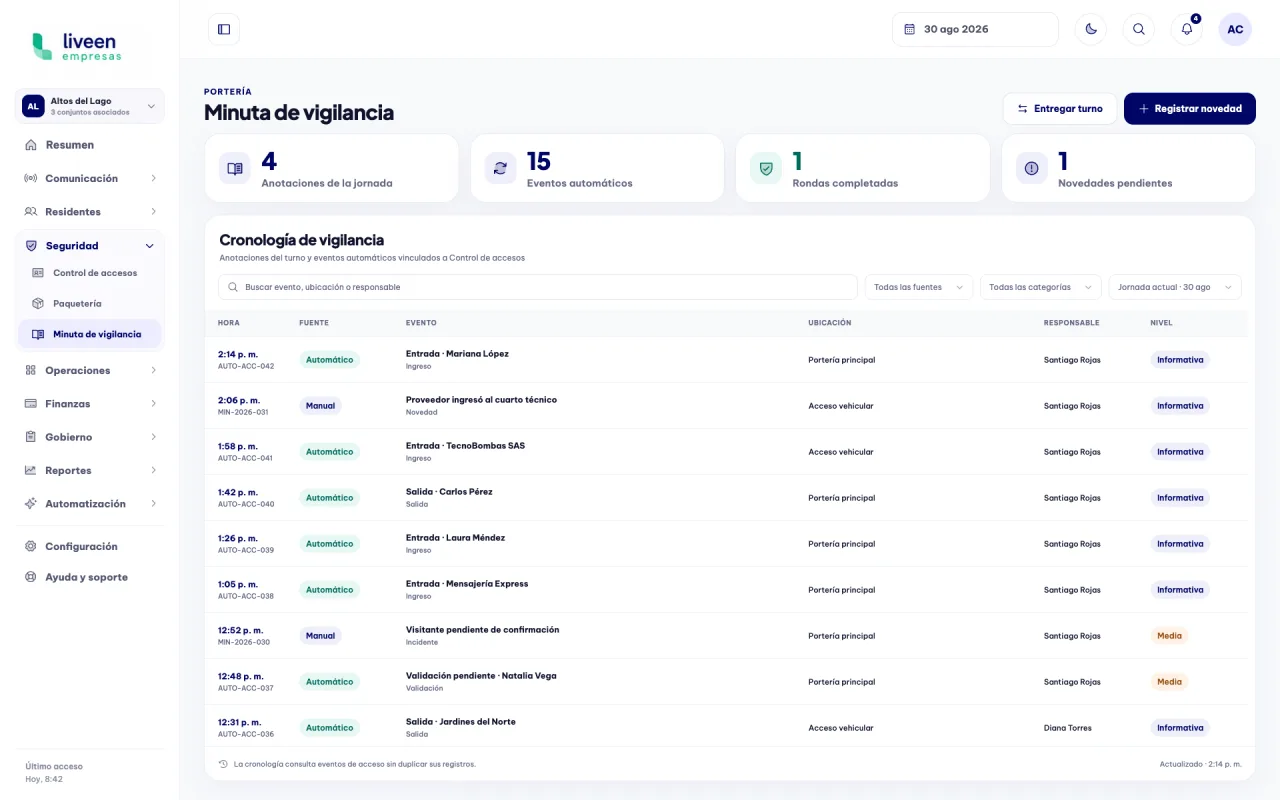
Review notes, automatic access events, patrols, and pending items in a timeline that prevents duplicate records and preserves every owner.

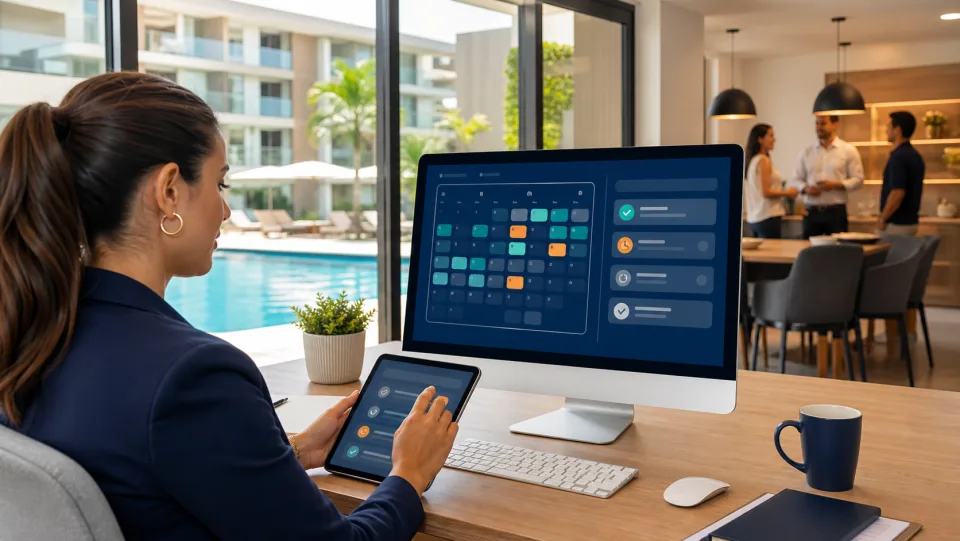
Liveen security logbook dashboard

Continuity across every shift

01

Record updates with the information your team needs

Document shift handoffs, incidents, and manual observations, then connect them to the relevant access events.

  • Category, location, and owner defined.
  • Description and shift recorded.
  • Related access events connected without duplication.
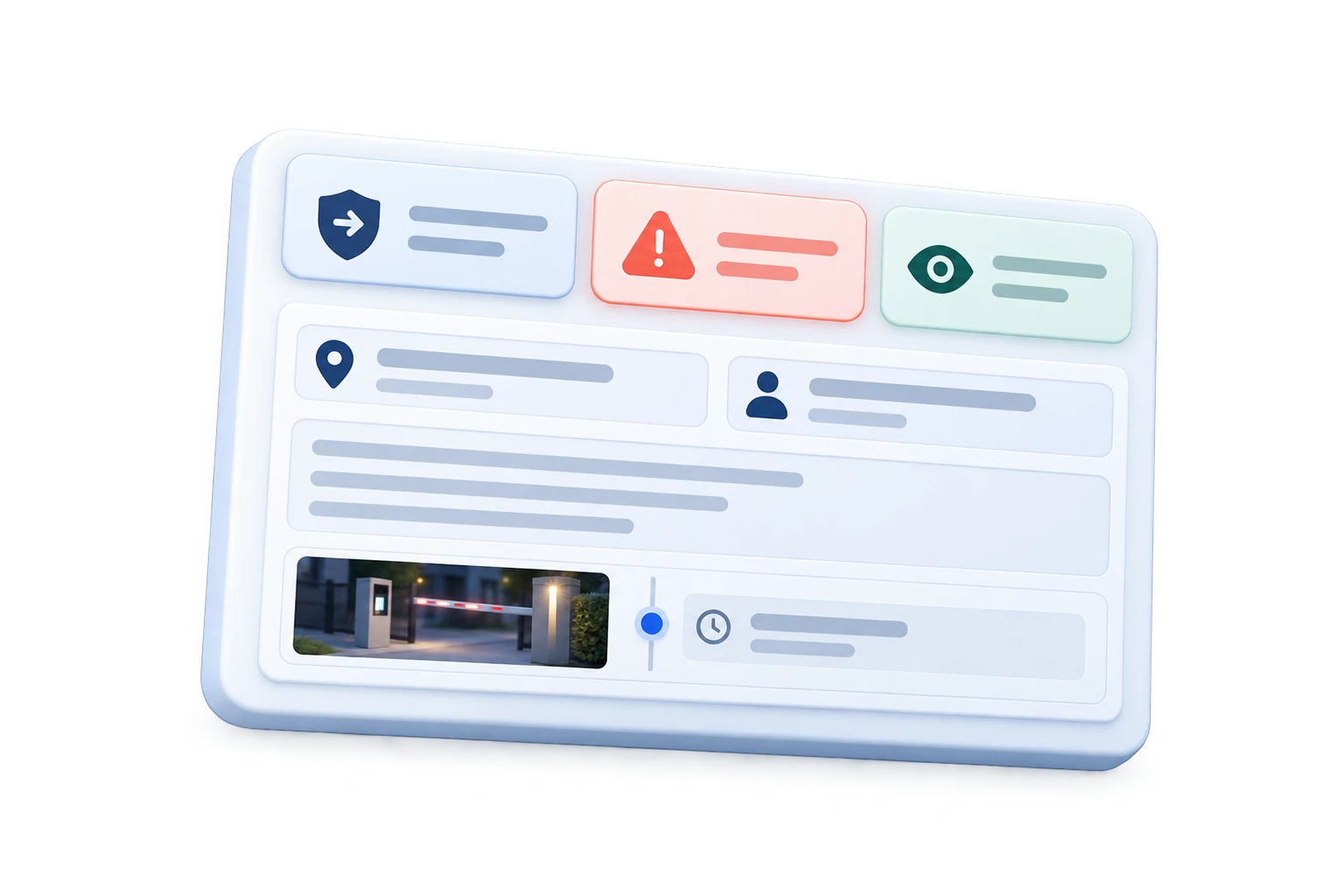
Recording an update in the Liveen security logbook
02

Review every detail and follow-up

See the severity, owner, related access events, and each update from a view designed for clear action.

  • Complete update information.
  • Chronological team follow-up.
  • Pending items visible until closure.
Security update details and follow-up in Liveen
03

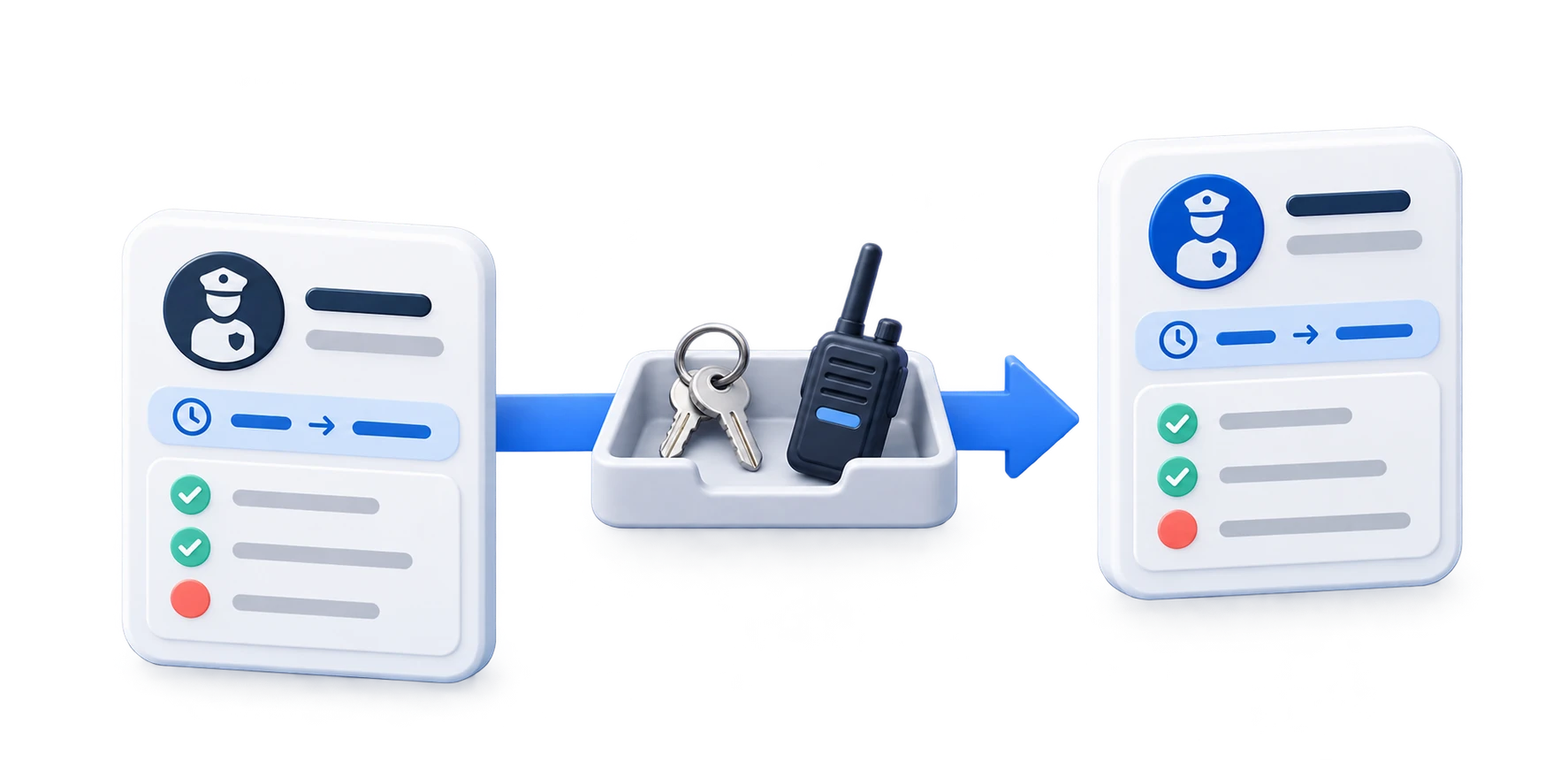
Hand off the shift without losing pending work

Share open updates and confirm every item under custody before transferring responsibility to the next guard.

  • Guards and schedules identified.
  • Pending items and handoff notes visible.
  • Items under custody confirmed.
Security shift handoff in Liveen

See how the security logbook keeps your entire team aligned

Schedule a conversation with our team and see how Liveen connects gate staff, management, and every security shift.